
Looking for ways to make your iPhone do more?
AI apps are popping up everywhere, and some of them are genuinely useful.
We’re talking about apps that can help you write, edit photos, find information faster, and even create music.
It can be a bit much to sort through, so we’ve rounded up some of the best AI apps for iPhone that are worth checking out.
These aren’t just fancy novelties; they can actually help with everyday tasks and make your phone a bit smarter.
Key Takeaways Of Best AI Apps For Iphone
- ChatGPT is great for generating text and answering complex questions, but it doesn’t directly control your iPhone’s apps.
- Siri is still the king for controlling your iPhone and its apps directly, especially for simple tasks.
- Perplexity offers a good balance, summarizing web content and helping with searches, with some integration into Apple apps.
- Arc Search provides AI-powered summaries and a ‘browse for me’ mode, making web research quicker.
- Adobe Photoshop Express offers generative fill features for photo editing, going beyond basic filters.
1. ChatGPT

When you think about AI on your iPhone,
ChatGPT is probably one of the first apps that comes to mind.
Developed by OpenAI, it’s become a go-to for many people looking for a smart conversational partner.
It’s really good at answering questions, explaining complex topics, and even helping with creative writing tasks.
It’s like having a super-knowledgeable friend in your pocket.
While it doesn’t have the deep integration into iOS that Siri does, ChatGPT shines when it comes to pure information and conversation.
You can ask it pretty much anything, and it will give you a detailed response.
It’s particularly useful for tasks that require a lot of text generation or understanding context.
Here’s a quick look at what it’s good for:
- Answering factual questions: From history to science, it’s got a vast knowledge base.
- Explaining concepts: If you’re struggling to understand something, ChatGPT can break it down.
- Creative writing help: Need ideas for a story or help drafting an email? It can assist.
- Summarizing text: Give it an article or a document, and it can provide a quick summary.
One thing to keep in mind is that ChatGPT can’t directly control your iPhone’s functions, like sending texts or opening apps.
It’s more of an information and text-based tool.
But for getting detailed answers and engaging in natural-sounding conversations, it’s a top pick.
While it can’t perform actions on your phone, its ability to process and generate text is incredibly powerful for research and brainstorming.
2. Siri
Okay, let’s talk about Siri. It’s been around forever on the iPhone.
Apple’s been trying to give it a bit of a makeover, adding some new animations and even letting it generate images with Genmoji in iOS 18.
It can also read out what you type to it, which is neat.
But honestly, when you compare it to the newer AI apps out there, Siri still feels a bit behind. It’s great for simple stuff, like setting a timer or sending a quick text.
Siri is the only assistant that can actually take action within iOS apps, which is a big deal if you need it to open Spotify or send an iMessage.
It surprised me with how well it handled straightforward tasks.
However, if you try to get a little more complex, Siri often just gives up.
It’s not really conversational, and it doesn’t seem to remember what you were just talking about.
For things like summarizing articles or figuring out complex real-world problems, Siri just doesn’t cut it.
Here’s a quick look at how it stacks up for certain tasks:
- Basic Questions: Handles these easily, often showing the answer on screen.
- App Integration: This is where Siri shines. It can open first- and third-party apps, send messages, and set reminders.
- Complex Tasks: Struggles significantly. It can’t summarize articles or provide detailed step-by-step instructions for difficult problems.
While Siri has improved with visual updates and some new features, its core conversational abilities and contextual awareness are still lacking compared to other AI assistants.
It’s best for direct commands and app control, but not for in-depth discussions or problem-solving.
3. Perplexity
Perplexity is a pretty interesting AI assistant that acts like a search engine but gives you answers in a more conversational way.
Think of it as a smart librarian who can actually talk back and do things for you.
It’s great for when you need quick information but also want a bit more context than just a list of links.
One of the standout features is how it handles research.
If you ask it a question, it doesn’t just give you an answer; it often provides links to its sources, which is super helpful for fact-checking or digging deeper.
It really shines when you need to summarize articles or get the gist of a current event. It can pull up articles and give you a concise summary, sometimes even asking if it found the right one before proceeding.
This confirmation step is a nice touch.
Perplexity also has some neat tricks up its sleeve when it comes to interacting with your iPhone.
While it doesn’t have the deep, native integrations that Siri boasts, it can perform certain actions.
For example, it can help you draft an email or play music through Apple Music.
It can even get you one step closer to navigating somewhere by showing you a map within the app and offering a quick link to Apple Maps.
It’s a good middle ground for those who want more than just basic search results but don’t need full-blown app control.
Perplexity bridges the gap between a traditional search engine and a conversational AI.
It’s designed to provide direct answers with supporting sources, making information discovery more efficient and transparent.
Its ability to summarize content and offer contextual information sets it apart for users who value accuracy and depth in their search queries.
Here’s a quick look at what it’s good for:
- Summarizing web content: Get the main points of articles without reading the whole thing.
- Answering complex questions: It can handle more nuanced queries than standard search engines.
- Providing sources: See where the information comes from, which builds trust.
- Basic task assistance: Can help with simple actions like drafting emails or playing music, though often requires confirmation.
While it might not be able to open every app on your phone as Siri can,
Perplexity offers a powerful way to get information and perform some tasks.
It’s definitely worth checking out if you’re looking for a smarter way to search and learn on your iPhone, especially for research-heavy tasks.
You can find it listed among other popular apps in the App Store’s productivity section.
4. Arc Search
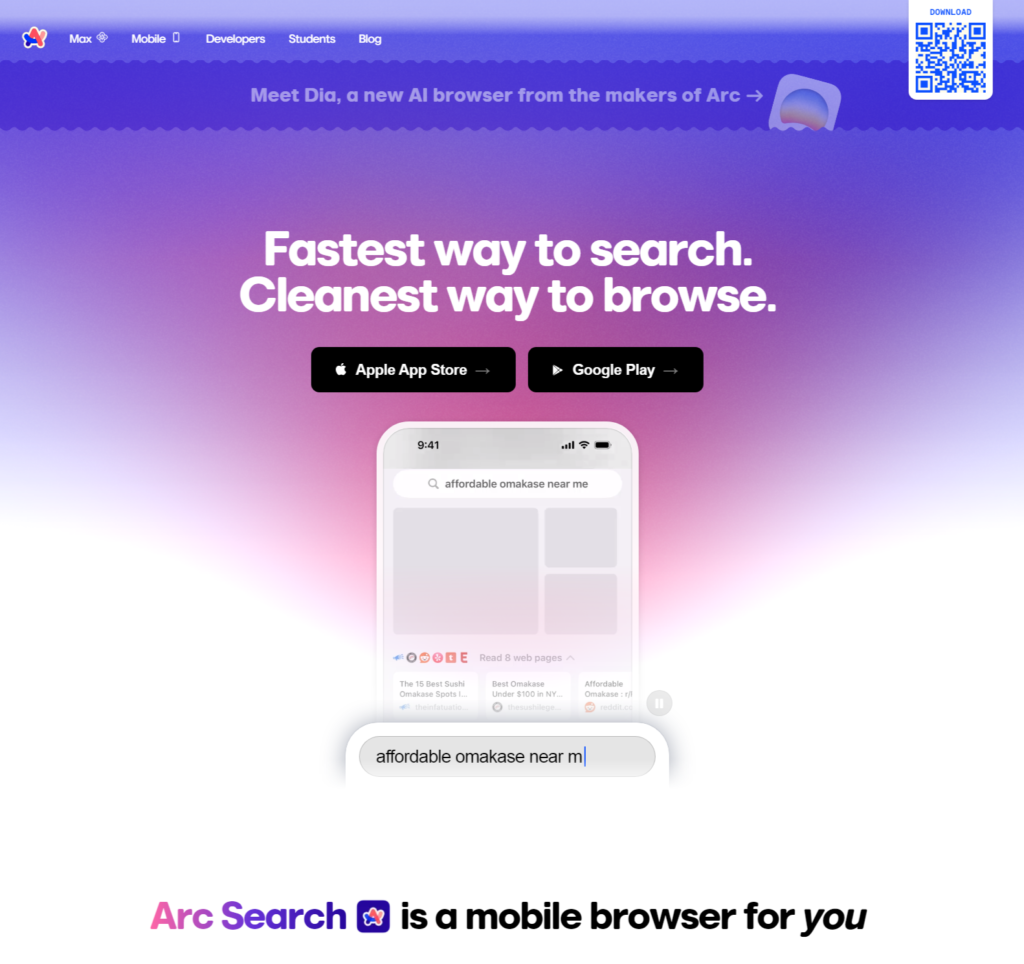
Arc Search, from The Browser Company, is a pretty neat app that feels like a souped-up version of Safari.
It’s designed for people who want the quick rundown of web pages without having to read through everything.
It uses AI to summarize content and has a “browse for me” mode that can really speed things up.
If you’re tired of jumping between a bunch of tabs or constantly switching to ChatGPT for summaries, Arc Search might be your new best friend.
It’s a good option if you just need the gist of what’s online quickly.
Instead of manually searching and then summarizing, Arc Search can do a lot of that heavy lifting for you.
It’s all about making your web browsing experience more efficient, especially when you’re short on time or just want the main points.
Arc Search aims to cut down on the time you spend sifting through search results and articles. It’s built to give you answers and summaries faster than traditional methods.
Here’s a quick look at what makes it stand out:
- AI Summaries: Get the main points of articles and web pages without reading the whole thing.
- “Browse for Me” Mode: Let the AI gather and summarize information from multiple sources for you.
- Streamlined Interface: Designed to be easy to use and quick to get results.
- Focus on Efficiency: Helps you get information faster, saving you time and effort.
5. Adobe Photoshop Express
Okay, so Adobe Photoshop Express might not be the first thing that comes to mind when you think of AI apps on your iPhone, but hear me out.
This app is actually pretty neat for photo editing, and it’s got some AI smarts tucked away inside.
It’s not just about slapping filters on your pictures anymore.
One of the coolest AI features is the ability to change backgrounds.
You know, those times you take a great photo, but the background is just… meh?
Photoshop Express can swap it out for something else entirely.
You can pick from nature scenes or even go for something more imaginative, like fantasy settings.
It’s a fun way to give your photos a whole new vibe without needing to be a Photoshop wizard.
It’s a really handy tool for quick edits, especially if you want to make your social media posts pop a bit more.
You can even use it to remove unwanted objects from your photos, which is surprisingly effective for a mobile app.
It’s a good option if you’re looking for some creative control over your images right on your phone. Check out the AI Background feature for more on this.
While it has paid options, the free version of Photoshop Express still packs a punch. It’s great for basic touch-ups and making your photos look a little bit better without a steep learning curve.
It’s definitely worth a download if you’re into photography or just like tweaking your pictures.
It’s a solid choice for anyone who wants to do more than just basic edits but doesn’t want to get bogged down in complicated desktop software.
The AI tools here make things simpler and faster.
6. Google Gemini
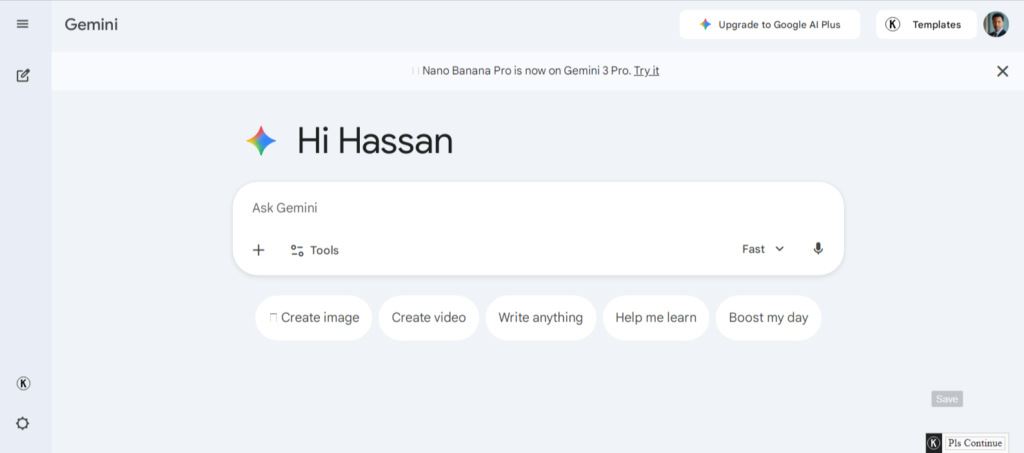
Google Gemini is your AI assistant from Google, and it’s pretty handy to have on your iPhone.
It’s not just another chatbot; it’s designed to work well within the Google ecosystem.
This means it can connect with your Google apps and cloud storage, making things feel pretty integrated if you’re already a Google user.
Think of it as a smart helper that can answer questions, draft text, and generally make your digital life a bit smoother.
It’s particularly good at pulling information together from various Google services.
While it might not have the same level of direct app control as Siri on iOS, its strength lies in its knowledge base and its ability to interact with Google’s vast online tools.
It’s a solid choice for anyone looking for a capable AI companion that plays nicely with their existing Google setup.
You can find it listed among the top productivity apps in the App Store, showing its growing popularity. Gemini functions effectively as an independent AI chatbot.
7. Alice AI
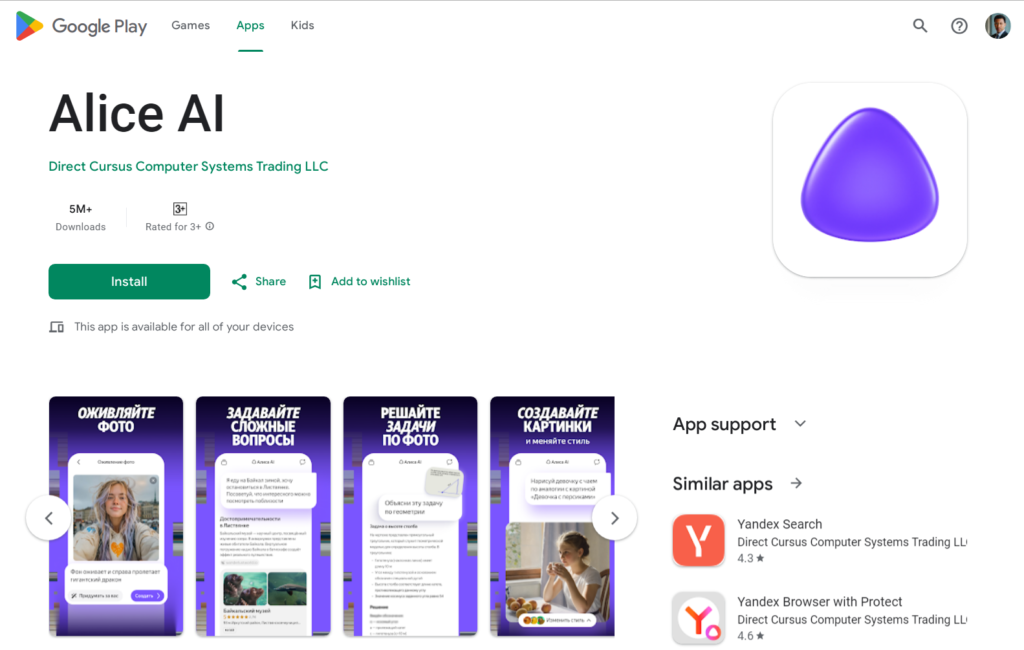
Alice AI is an interesting option if you’re looking for a more conversational chatbot experience on your iPhone.
It aims to be a helpful assistant for a variety of tasks, from answering questions to brainstorming ideas.
It really shines when it comes to natural language understanding, making interactions feel less robotic than some other apps.
Here’s a quick look at what Alice AI can do:
- Answer general knowledge questions.
- Help draft emails or messages.
- Provide creative writing prompts.
- Engage in casual conversation.
While it might not have the deep integration with your iPhone’s system that Siri offers, Alice AI provides a solid platform for text-based AI assistance.
It’s a good choice if you want a friendly AI companion for quick queries or a bit of creative help without needing it to control your device’s functions.
8. DeepSeek – AI Assistant
DeepSeek is an AI assistant that aims to help you with a variety of tasks, from answering questions to generating text.
It’s built on a large language model, meaning it can understand and produce human-like text.
Think of it as a smart helper that you can chat with on your iPhone.
One of the cool things about DeepSeek is its ability to handle different kinds of requests. Need a quick explanation of a complex topic? It can do that.
Want help drafting an email or a social media post? It’s got you covered. It’s designed to be a versatile tool for everyday digital life.
While it might not have the deep integration into your iPhone’s operating system that something like Siri does,
DeepSeek offers a powerful conversational AI experience.
You can ask follow-up questions, and it generally remembers the context of your conversation, which makes interacting with it feel more natural.
Here’s a quick look at what you might use DeepSeek for:
- Information Retrieval: Get quick answers to factual questions.
- Content Creation: Help with writing emails, social media updates, or even creative stories.
- Summarization: Condense long articles or documents into key points.
- Brainstorming: Generate ideas for projects or topics.
It’s a good option if you’re looking for a capable AI chatbot that you can access easily on your phone,
especially for tasks that involve text generation or understanding.
DeepSeek is a solid choice for users who want a powerful AI chatbot experience on their iPhone, focusing on text-based interactions and information processing.
9. Microsoft Word
Microsoft Word on your iPhone might not seem like a cutting-edge AI app at first glance, but it’s got some smart features that can really help out.
Think about creating documents, reports, or even a resume.
Word uses AI to help you format and structure your text, making the whole process smoother.
It’s not just about typing anymore. Word can help you with things like:
- Grammar and spelling checks: It goes beyond basic corrections, suggesting better phrasing and sentence structure.
- Document suggestions: Based on what you’re writing, it can offer templates or layout ideas.
- Readability analysis: Some versions can even give you feedback on how easy your text is to understand.
While it’s not a chatbot, the AI built into Word works behind the scenes to make your writing tasks less of a chore.
It’s about making the familiar tools a bit smarter and more helpful for everyday tasks.
For anyone who needs to create or edit documents on the go, the intelligent assistance within Microsoft Word can save you time and effort, even if it’s not the flashiest AI out there.
10. VoicePen
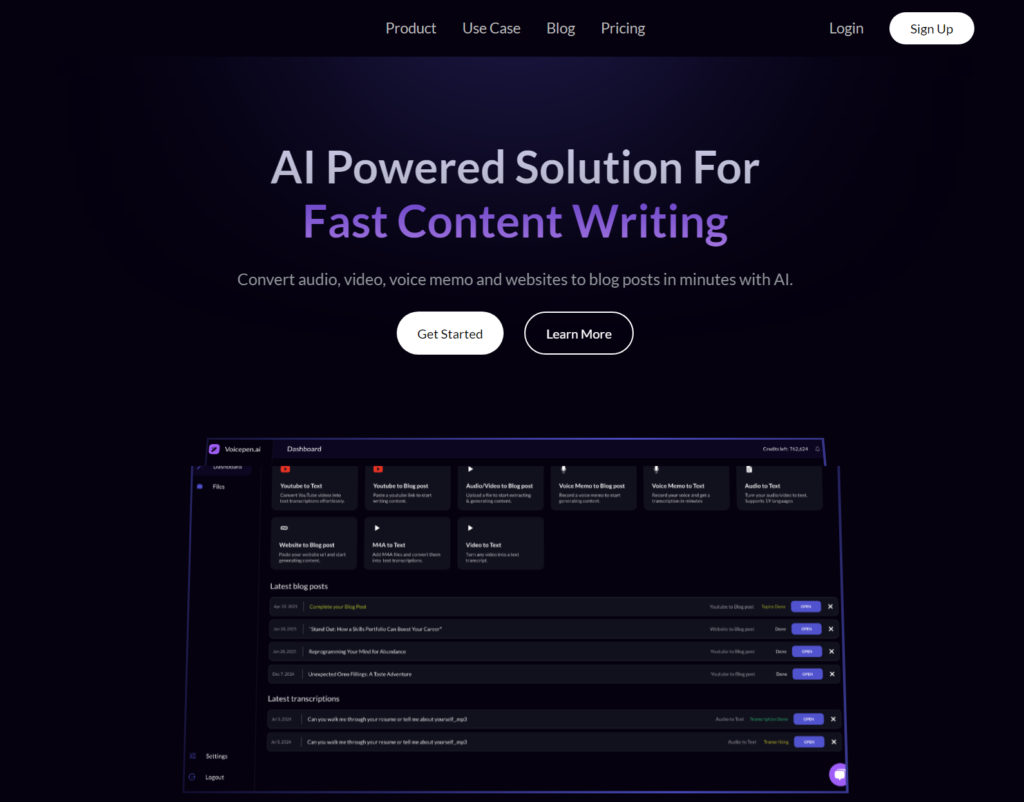
VoicePen is a pretty neat app if you’re someone who talks more than they type.
It’s designed to take your voice memos and turn them into actual written content.
Think of it like a super-powered dictation tool, but with a specific focus on making that spoken word into something usable, like blog posts or notes.
It really shines when you want to quickly capture ideas without getting bogged down in typing.
This app is great for anyone who has a lot of thoughts bouncing around and prefers to get them out by speaking.
It’s not just about transcribing;
VoicePen aims to format that transcription into something readable and even SEO-optimized, which is a nice bonus if you’re planning to put that content online.
It’s a way to streamline the whole process from idea to finished piece. You can check out how it helps creators transform spoken ideas.
Here’s a quick look at what makes it stand out:
- Voice-to-Text Transcription: Accurately converts your audio recordings into written text.
- Content Formatting: Takes raw text and structures it into more readable formats.
- SEO Optimization: Adds elements to help your content rank better in search engines.
- Idea Capture: Perfect for brainstorming sessions or jotting down thoughts on the go.
VoicePen tries to bridge the gap between just recording your voice and having a polished piece of writing ready to go.
It’s for those moments when inspiration strikes and you just need to speak it out loud.
So, What’s the Takeaway?
Alright, so we’ve looked at a bunch of these AI apps for your iPhone.
It’s pretty clear that AI isn’t just some futuristic idea anymore;
It’s right here, making things easier, faster, or just plain more interesting on our phones.
Whether you’re trying to get work done, be more creative, or just figure out what’s going on in the world, there’s likely an app out there that can help.
Don’t be afraid to try a few out – the best one for you really depends on what you need it for.
It’s kind of exciting to see what else these apps will be able to do next.
Frequently Asked Questions
What makes an app an ‘AI app’?
An AI app uses artificial intelligence to do smart things.
This could mean understanding what you say, creating images, writing text, or helping you find information cleverly.
Basically, it’s like having a little robot brain inside your phone that can help you out.
Can I use these AI apps without paying?
Many AI apps offer a free version that lets you try out their main features. Some might have extra tools or unlimited use that you can pay for, but you can often get a lot done with the free options.
Are AI apps safe to use on my iPhone?
Most popular AI apps are safe, especially if they come from well-known companies.
Just like any app, it’s a good idea to check reviews and make sure you trust the developer before downloading.
Stick to apps from official app stores.
Will AI apps replace Siri?
Siri is great for controlling your iPhone and doing simple tasks.
Other AI apps, like ChatGPT or Google Gemini, are often better at having conversations and giving detailed information.
Some people use both – Siri for phone actions and other AI apps for questions and writing help.
Do I need a fast internet connection for these apps?
Yes, most AI apps need a good internet connection to work.
They send your requests to powerful computers to figure things out and send the answers back to your phone.
So, a stable Wi-Fi or cellular connection is usually needed.
Can AI apps help me with schoolwork?
Absolutely! Apps like ChatGPT can help you understand difficult topics, brainstorm ideas for projects, or even help you practice for tests by explaining things in different ways.
Just remember to use them as a tool to learn, not to do the work for you.