
Artificial Intelligence (AI) has taken the creative world by storm,
And 2025 is shaping up to be the year when AI image generation tools become an integral part of how we design, visualize, and tell stories.
From marketers creating ad visuals in seconds to artists crafting surreal landscapes with a few words, AI tools are transforming creativity forever.
In this article, we’ll explore the best AI image generation tools of 2025,
understand how they work, and discover how they are reshaping industries from content creation to e-commerce.
1. Understanding AI Image Generation
What Are AI Image Generators?
AI image generation tools are software applications that create realistic or artistic images from text prompts or reference photos using machine learning.
These tools are trained on massive datasets of images, learning how to interpret language and translate it into visual art.
In simple terms, you describe what you want like “a cyberpunk city at night with glowing neon signs,” and the AI generates a unique,
high-quality image matching that description.
The result? Instant artwork that once required hours of graphic design or photography.
How Do AI Image Generators Work?
Most AI image generation systems use diffusion models, a type of deep neural network.
These models start with random noise and gradually “denoise” it until a clear, coherent image emerges that matches the user’s prompt.
This process is guided by AI algorithms that have learned from millions of image–text pairs.
The more advanced the model, the better it understands context, emotion, and visual style.
Why AI Imagery Is Exploding in 2025
Several factors make 2025 a breakthrough year:
- Improved realism – AI models now produce images indistinguishable from real photography.
- Integration with apps and software – Platforms like Adobe and Canva now have native AI features.
- Commercial licensing – Businesses can safely use AI images for marketing and branding.
- Creative freedom – Artists use AI as a co-creator, blending technology with imagination.
2. Key Features to Look For in AI Image Generators
Not all AI art tools are created equal. When choosing the right one, consider the following key aspects:
a. Image Quality & Resolution
Look for tools that support HD (1920×1080) or even 4K output. High resolution is crucial if you plan to use the images for printing, advertising, or professional branding.
b. Style Diversity
Top AI generators allow users to switch between art styles from photorealistic and cinematic to watercolor or anime.
This flexibility lets creators experiment without limits.
c. Prompt Accuracy
The best tools understand complex prompts and respond with images that match tone, lighting, and emotion.
d. Commercial Usage Rights
If you’re using AI art for business, ensure that the platform grants commercial licenses.
Tools like Adobe Firefly and Canva AI provide clear usage terms.
e. Editing & Customization
AI should be your starting point, not the end.
Look for tools that allow post-generation editing, layering, or integration with Photoshop and Illustrator.
3. The Top 10 Best AI Image Generation Tools of 2025
1. Midjourney v6
Best for: Artists and creative professionals
Midjourney remains a favorite for its cinematic visuals, creative precision, and unmatched artistic depth. Version 6 introduces better realism, lighting control, and text accuracy in prompts.
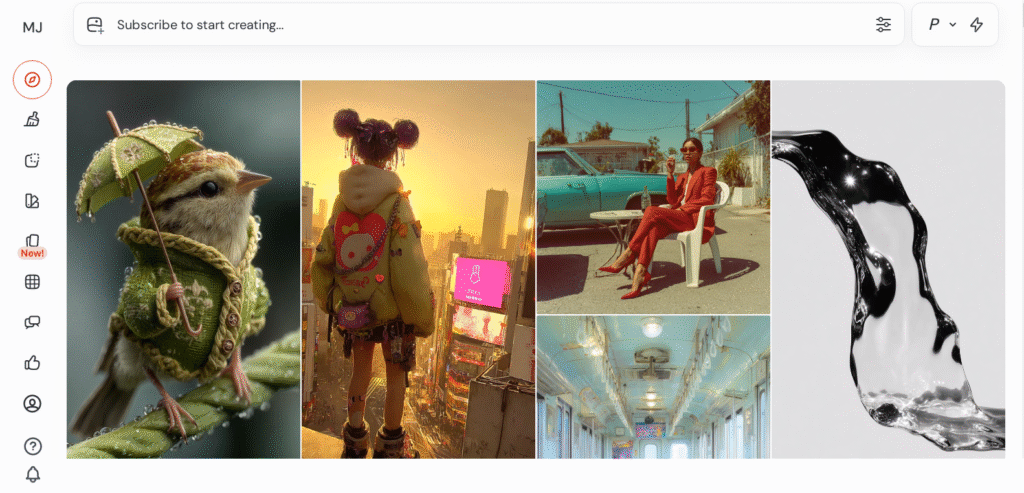
The community-driven Discord interface also allows creators to learn, share, and refine their art collaboratively.
Pros:
- Highly artistic results
- Strong community support
- Consistent output quality
Cons:
- Limited free credits
- Requires Discord access
2. DALL·E 3 by OpenAI
Best for: Realistic visuals and content creators
DALL·E 3 is integrated directly with ChatGPT, making it easy to describe complex ideas conversationally.
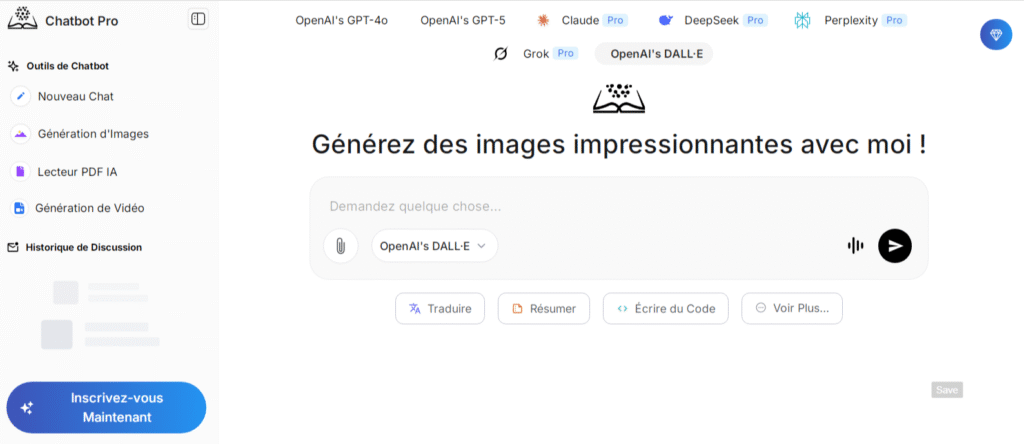
Its biggest strength lies in prompt interpretation; it understands context, perspective, and even humor.
Pros:
- Extremely accurate prompt handling
- Great integration with ChatGPT
- Commercial use available
Cons:
- Limited style customization compared to Midjourney
3. Leonardo AI
Best for: Game designers and digital illustrators
Leonardo AI gained popularity in 2024 and dominated in 2025 for its professional design templates and ability to create game assets.
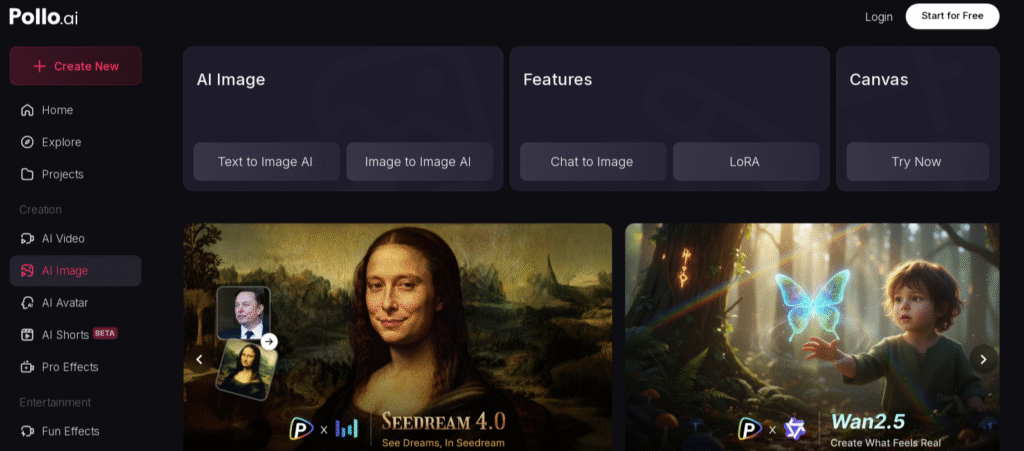
UI components and 3D textures.
It’s user-friendly and supports image-to-image generation, making it perfect for iterative design.
Pros:
- Intuitive dashboard
- Excellent for game design and mockups
- High-quality outputs
Cons:
- Slightly slower rendering at high resolutions
4. Adobe Firefly
Best for: Professionals and brands
Adobe Firefly integrates directly with Photoshop, Illustrator, and Express.
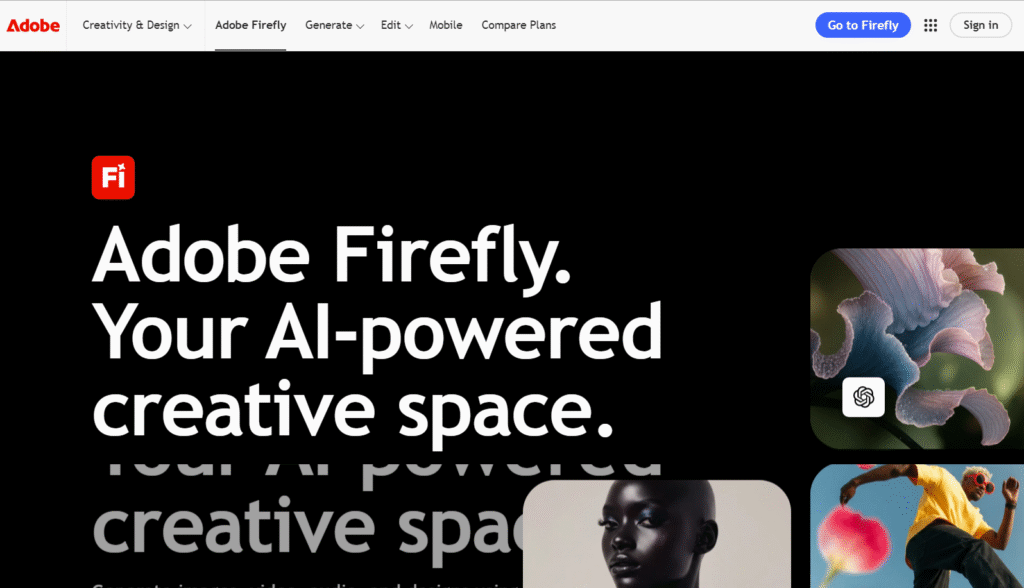
It offers commercially safe content, ensuring every generated image can be used for marketing or client projects without copyright concerns.
Pros:
- Professional-grade outputs
- Full Adobe ecosystem integration
- Commercial-safe images
Cons:
- Premium pricing
- Requires an Adobe subscription
5. Playground AI
Best for: Beginners and casual creators
Playground AI stands out as a free and beginner-friendly platform.
It allows users to generate up to 1000 images per day and remix or edit results in-browser.
Pros:
- Free tier with generous limits
- Great user interface
- Good for experimentation
Cons:
- Limited realism compared to premium tools
6. Stable Diffusion XL
Best for: Developers and advanced users
Stable Diffusion XL (SDXL) offers full open-source flexibility.
Users can fine-tune the model, host it locally, or integrate it into custom apps.
It’s the most customizable AI art engine available in 2025.
Pros:
- 100% open-source
- Highly customizable
- Active developer community
Cons:
- Requires technical skills
7. Canva AI Image Generator
Best for: Marketers and business owners
Canva’s AI image generator is built directly into its design platform, allowing instant integration with templates, fonts, and social posts.
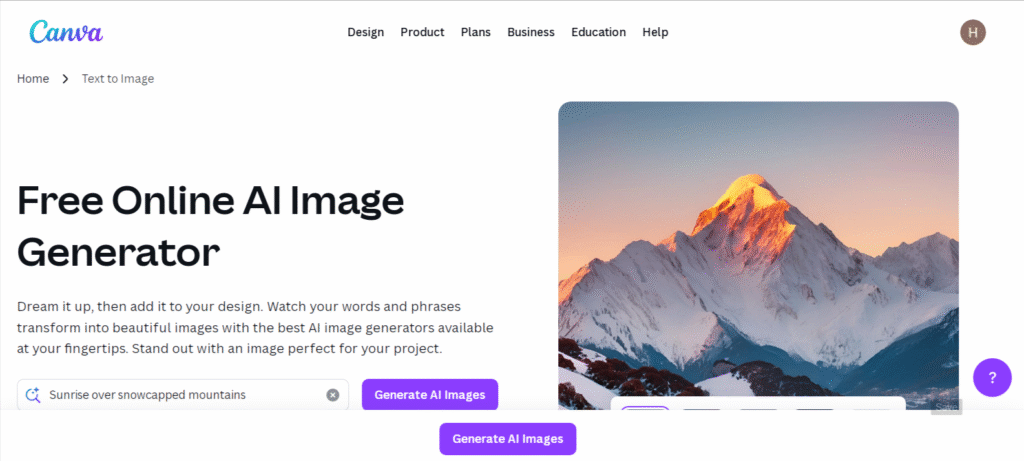
It’s perfect for small businesses that need fast, branded visuals.
Pros:
- User-friendly interface
- Great for social media graphics
- Commercial license included
Cons:
- Limited to the Canva ecosystem
8. DreamStudio
Best for: Artists and creative agencies
DreamStudio, created by Stability AI, is a paid version of Stable Diffusion that makes professional AI art generation accessible through a visual dashboard.
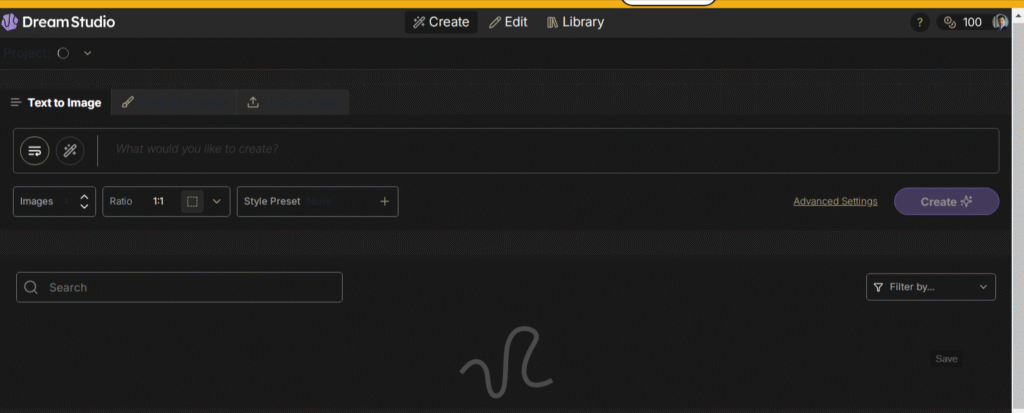
It provides advanced prompt options, aspect ratios, and render speeds.
Pros:
- Flexible interface
- High-quality images
- Realistic photo outputs
Cons:
- Requires a credit purchase
9. BlueWillow
Best for: Free AI art generation
BlueWillow runs on Discord like Midjourney but offers free usage.
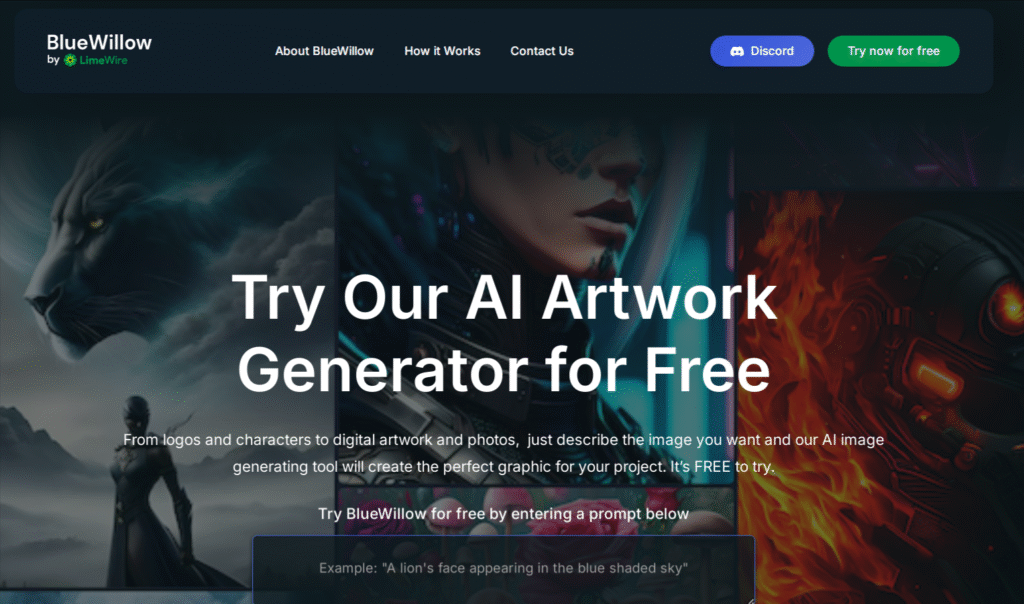
It’s ideal for beginners looking to test AI art without spending money.
The results are surprisingly good, though not as refined as premium models.
Pros:
- 100% free
- Easy to use
- Great community
Cons:
- Occasional inconsistencies
- No advanced editing
10. Runway ML Gen-2
Best for: AI video and motion creation
Runway ML blurs the line between image and video generation.
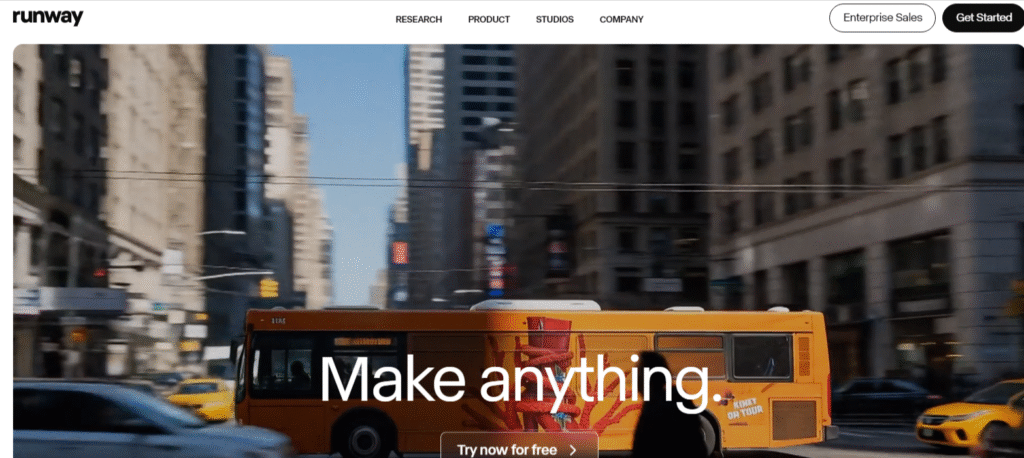
Its Gen-2 model allows users to turn text prompts into short, animated clips or realistic still images.
It’s the go-to choice for motion designers and filmmakers.
Pros:
- Creates videos and images
- Advanced motion rendering
- Integrates with editing software
Cons:
- High computational cost
- Limited free version
4. Comparing the Top Tools: Speed, Quality, and Price
| Tool | Best For | Free Plan | Quality | Ease of Use | Commercial License |
|---|---|---|---|---|---|
| Midjourney v6 | Artistic visuals | ❌ | ★★★★★ | ★★★★☆ | ✔️ |
| DALL·E 3 | Realistic images | ✅ | ★★★★★ | ★★★★★ | ✔️ |
| Leonardo AI | Game design | ✅ | ★★★★☆ | ★★★★★ | ✔️ |
| Firefly | Professionals | ❌ | ★★★★★ | ★★★★☆ | ✔️ |
| Playground AI | Casual creators | ✅ | ★★★☆☆ | ★★★★★ | ❌ |
| SDXL | Developers | ✅ | ★★★★★ | ★★★☆☆ | Depends |
| Canva AI | Business users | ✅ | ★★★★☆ | ★★★★★ | ✔️ |
| DreamStudio | Artists | ❌ | ★★★★★ | ★★★★☆ | ✔️ |
| BlueWillow | Beginners | ✅ | ★★★☆☆ | ★★★★☆ | ❌ |
| Runway ML | Video creators | ✅ | ★★★★★ | ★★★★☆ | ✔️ |
5. Business Benefits of AI Image Generation
a. Cost Efficiency
AI tools reduce the need for large creative teams or expensive photo shoots.
A single marketer can now create ad visuals, logos, and banner designs instantly.
b. Speed to Market
Need a new product mockup for a campaign?
AI can generate multiple design variations in minutes, letting businesses test and adapt faster than ever.
c. Branding Consistency
With fine control over color, tone, and style,
AI tools ensure all visuals align with your brand identity, no matter who creates them.
d. Content Personalization
AI enables dynamic visual content tailored to different audiences, boosting engagement and conversions.
6. The Creative Side of AI for Artists and Designers
AI isn’t replacing artists, it’s empowering them.
Many digital artists use tools like Midjourney or Stable Diffusion to brainstorm ideas,
explore new art styles, and push their imagination beyond traditional limits.
Think of AI as your creative assistant, one that never sleeps and can produce endless inspiration.
7. Ethical Concerns and Challenges
a. Copyright Uncertainty
Because AI learns from existing art, questions arise about whether its creations infringe on human artists’ rights. Regulations are still evolving in 2025.
b. Deepfake Misuse
AI can be used to create realistic but misleading images.
That’s why platforms like Adobe Firefly now include content authenticity tags to track AI-generated media.
c. Creativity Debate
Some critics argue that AI art lacks emotion.
However, when combined with human vision, it becomes a tool of expression rather than imitation.
8. The Future of AI Image Creation
AI-generated imagery will soon merge with AR (Augmented Reality) and VR (Virtual Reality).
Imagine designing entire 3D worlds using only voice commands; that’s where the technology is headed.
Expect AI to also evolve in:
- Real-time rendering
- Interactive storytelling
- Personalized avatar design
- Full video-to-video generation
By 2030, we might not be talking about static images at all but about AI-generated experiences.
9. Tips for Getting the Best Results
- Use detailed prompts: Be specific about lighting, style, and composition.
- Include context: “A portrait of a warrior in cinematic lighting” is better than “a warrior.”
- Iterate often: Generate multiple versions and refine.
- Leverage editing tools: Combine AI output with Photoshop or Canva for professional polish.
10. Free vs Paid AI Tools – Which Should You Choose?
If you’re just exploring AI art, free tools like Playground AI or BlueWillow are great starting points.
But for business or professional projects, paid plans like Midjourney,
Firefly, or Leonardo AI, offers the quality, speed, and rights you’ll need.
Think of it like renting vs owning:
Free tools allow you to experiment, but premium ones provide full creative control.
Conclusion
In 2025, AI image generation is more than a trend; it’s a creative revolution.
Whether you’re a marketer, designer, or dreamer, these tools allow you to transform your imagination into reality faster than ever before.
The boundaries between art and technology are blurring,
and the future belongs to those who know how to harness both.
FAQs
1. What’s the most realistic AI image generator in 2025?
DALL·E 3 and Midjourney v6 are considered the most accurate and realistic tools.
2. Are AI-generated images safe for commercial use?
Yes, but only if the platform provides clear licensing (like Adobe Firefly or Canva).
3. Which AI tool is best for beginners?
Playground AI and BlueWillow are great free options for new users.
4. Can AI replace traditional artists?
No — AI enhances creativity but cannot replicate human emotion and storytelling.
5. How can businesses use AI image generation?
For ad visuals, website banners, product mockups, and branded social media content