
Hey there, freelancers! Juggling clients, projects, and trying to find new work can feel like a circus act sometimes, right?
You want to keep everything running smoothly without getting bogged down in admin. That’s where a good CRM comes in handy.
Think of it as your personal assistant for managing all your client stuff, making sure nothing falls through the cracks.
We’ve checked out some of the top options to help you find the best CRM for freelancers’ needs, so you can focus on doing what you do best.
Key Takeaways
- A CRM helps freelancers keep all client info, project details, and conversations in one organized spot.
- Visual sales pipelines show where deals are, making your income more predictable and reducing missed chances.
- Built-in invoicing and payment tools can help you get paid faster and keep your cash flow healthy.
- Automation features handle repetitive tasks, freeing up your time for actual client work and growing your business.
- Look for a CRM that’s easy to use, can be adjusted to your way of working, and fits your budget.
HubSpot CRM
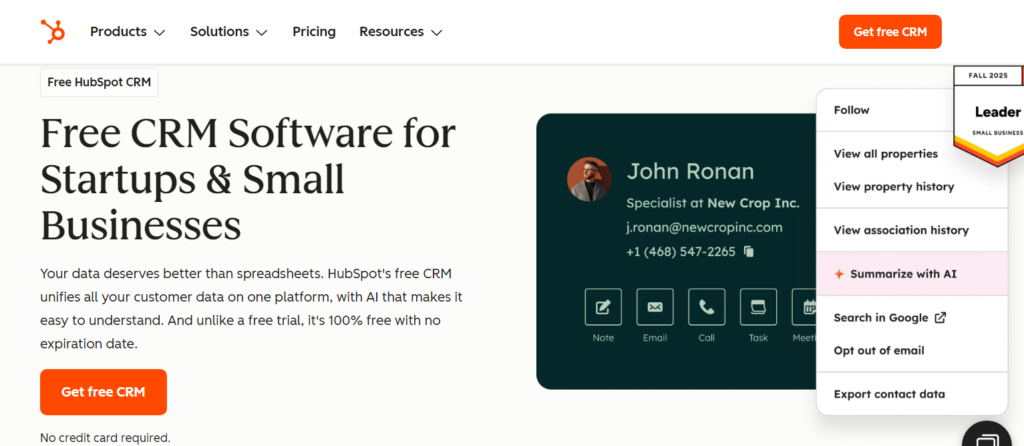
HubSpot CRM is a pretty popular choice for freelancers, and honestly, it’s easy to see why.
They offer a free plan that’s actually useful, which is a big deal when you’re just starting or trying to keep costs down.
It bundles together a bunch of tools that can help you manage your contacts, track your deals, and even do some basic marketing.
What’s cool is that it’s designed to grow with you.
You can start with just the essentials and then add more features as your freelance business picks up steam.
It’s got this whole inbound marketing thing built into it, which is great if you’re trying to attract clients through content like blog posts or social media.
Plus, it connects with a ton of other apps you might already be using, like Gmail or Zapier, which just makes life easier.
Here’s a quick look at what you get with the free version:
- Contact Management: Keep all your client info organized in one place.
- Deal Tracking: Visualize your sales pipeline and see where each potential client is in the process.
- Email Templates: Save time by using pre-written emails for common communications.
- Meeting Scheduler: Let clients book time with you directly, cutting down on back-and-forth emails.
- Live Chat: Add a chat widget to your website to engage with visitors in real-time.
While the free plan is quite generous, it’s worth noting that some of the more advanced automation features and dedicated customer support are reserved for their paid plans.
If you’re a solo freelancer just getting your feet wet, the free tier is a fantastic starting point.
However, if you anticipate needing complex workflows or immediate help when things go wrong, you might need to budget for an upgrade down the line.
Zoho CRM
Zoho CRM is a pretty solid option if you’re a freelancer looking to grow your business without breaking the bank.
What’s cool about Zoho is that it’s not just a CRM; it’s part of a much bigger suite of business tools.
Think accounting, project management, and even email marketing, all sorts of connected.
This means you can start with just the CRM part and then add other Zoho apps as your freelance gig starts to take off.
It’s got this AI assistant called Zia that can give you some smart insights,
like when’s the best time to contact a client or even analyze how your emails are coming across.
Plus, they have this feature called Blueprint that helps you set up automated processes, which is handy for keeping things consistent.
Here’s a quick look at some of the pricing, though keep in mind this is for their billing module, which is just one piece of the puzzle:
| Plan | Price (per organization/month) |
|---|---|
| Standard | $29 |
| Premium | $69 |
They do have a free plan too, which is great for starting.
One thing to watch out for, though, is that the interface can feel a bit busy.
With so many features packed in, it might take a little while to get used to everything.
Also, if you’re dealing with a massive amount of client data, it might get a bit sluggish.
But for most freelancers, it’s a really capable system that can grow with you.
monday CRM
When you’re a freelancer, juggling clients, projects, and chasing payments can feel like a circus act.
That’s where monday CRM steps in, aiming to simplify things without making your head spin.
It’s built on top of their monday Work OS, which means it’s pretty flexible and can grow with you as your freelance business expands.
What I really like is how visual it is.
You can see your whole sales pipeline laid out, and you can switch between different views like Kanban boards or timelines.
This makes it way easier to track where each potential client is in the process. Plus, automating repetitive tasks is a big win for freelancers.
Think about setting up automatic follow-up emails or getting alerts when a lead revisits a proposal – monday CRM lets you do this without needing to be a coding wizard.
Here’s a quick look at what it offers:
- Customizable Pipelines: Build your sales process exactly how you want it, using a simple drag-and-drop interface.
- Visual Dashboards: Get a clear, at-a-glance view of key metrics like conversion rates and average project value. This helps you make smarter business decisions.
- No-Code Automations: Set up workflows to handle tasks like sending reminders or updating statuses, freeing up your time.
- Integrations: Connect with other tools you already use, like email or calendar apps, to keep everything in one place.
monday CRM is designed to be adaptable. You can tailor it to fit your specific freelance niche, whether you’re a designer, writer, or consultant.
It’s about creating a system that works for you, not the other way around.
It’s a solid choice if you’re looking for a system that’s both powerful and easy to get started with.
You can even try out their free plan to see if it’s a good fit before committing. It really helps centralize all your work into one system.
Evolved Metrics CRM
Evolved Metrics CRM is a bit of a hidden gem, especially if you’re a freelancer or run a small business.
It’s not some giant, overly complicated system that makes you feel lost.
Instead, it was built with smaller operations in mind, meaning you get the tools you need without a bunch of stuff you’ll never use.
They even offer a free, hour-long workshop before you commit, which is pretty cool.
You get to see how it can actually help your day-to-day work, and they’ll even give you a report on your business processes afterward.
They also give you a free month to try out the CRM.
It’s designed to be super easy to set up – they say you can get it running in under an hour.
Plus, it uses some interesting ideas about human behavior to help your business grow.
You get actionable analytics and business intelligence, which basically means you can see the big picture of your freelance work and figure out where to make improvements.
The focus here is on making things simple and effective.
You’re not paying for features you don’t need, and the setup is designed to be quick, so you can get back to focusing on your clients and projects.
Here’s what stands out:
- Designed for small businesses: No unnecessary complexity.
- Free introductory workshop: Understand its potential for your business.
- One-month free trial: Test it out before you buy.
- Quick setup: Get up and running in an hour or less.
- Actionable analytics: Gain insights to help your business grow.
Salesforce Essentials
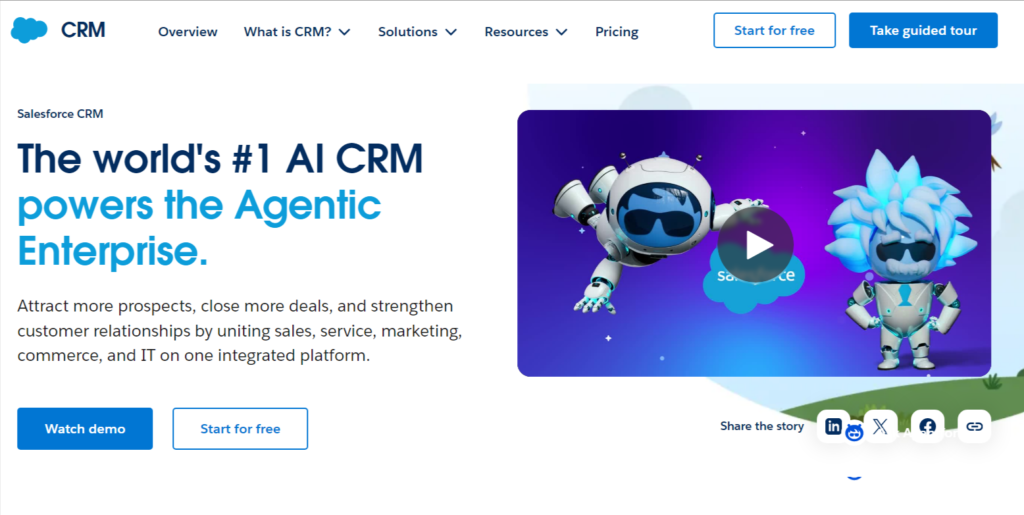
Salesforce Essentials is a version of the big Salesforce CRM tailored for small businesses, and that includes freelancers.
It’s designed to be simpler to use than the full-blown enterprise version, which can be a bit much for someone just starting or working solo.
Think of it as a way to get access to some of the powerful tools Salesforce offers without all the complexity.
It’s a solid choice if you’re looking for a robust system that can grow with you.
While it might seem like overkill at first glance, its scalability is a big plus.
You get features for managing contacts, tracking deals, and automating some basic tasks.
This helps keep your client interactions organized and ensures you don’t miss follow-ups.
Here’s a quick look at what it generally offers:
- Contact Management: Keep all your client details in one place.
- Opportunity Tracking: See where each potential deal is in your sales process.
- Task Management: Organize your to-dos and follow-ups.
- Basic Automation: Set up simple workflows to save time.
- Reporting: Get insights into your sales performance.
One of the main benefits is its integration capabilities.
Salesforce plays well with a lot of other apps you might already be using, which can really streamline your workflow.
It helps centralize information, so you’re not jumping between different programs all the time.
While Salesforce Essentials is powerful, it does come with a learning curve. It’s not as intuitive right out of the box as some other CRMs aimed specifically at freelancers.
You might need to spend a bit of time getting familiar with its features and how to best set them up for your specific freelance business.
If you’re a freelancer who anticipates significant growth and wants a system that can handle more complex needs down the line,
Salesforce Essentials is definitely worth considering.
It provides a strong foundation for managing your client relationships and sales pipeline.
Freshsales
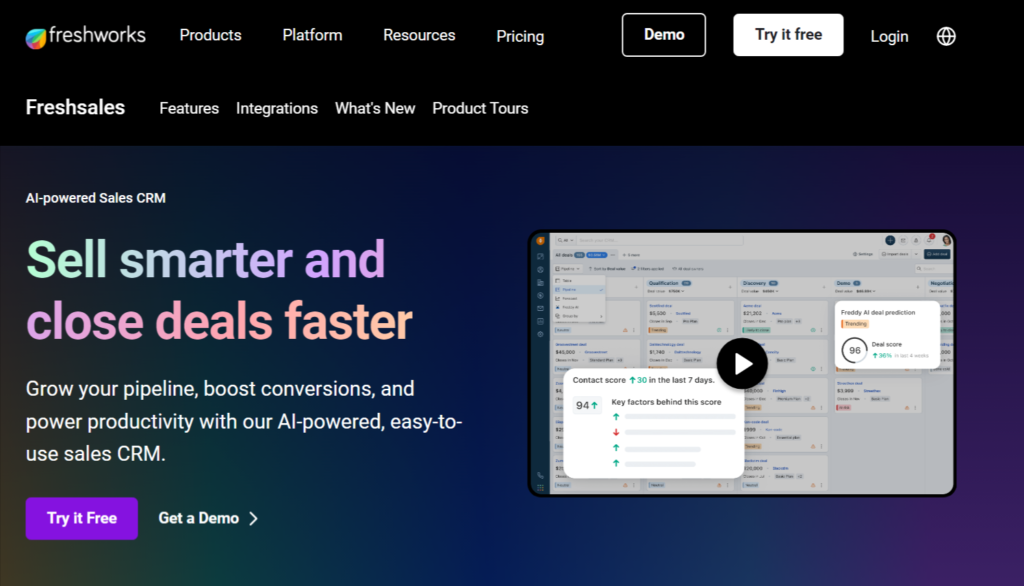
Freshsales is a pretty solid option for freelancers, especially if you’re in a service-based business.
It feels like it was built with people like us in mind, trying to keep things organized without getting too complicated.
One of the things I really liked is that it comes with built-in phone and email features.
This means you don’t have to jump between a bunch of different apps just to send a quick message or make a call to a client.
It keeps everything in one spot, which, let’s be honest, is a lifesaver when you’re juggling a million things.
It’s designed to give you a clear view of your client interactions. You can track everything from initial contact to past conversations, all in one place.
This makes it way easier to remember who you’re talking to and what you’ve discussed, so you can personalize your communication.
Plus, they have smart tagging, which is super handy for sorting contacts.
You can tag people as ‘hot leads,’ ‘current projects,’ or ‘past clients needing a check-in.’
This helps you focus on the right people at the right time, turning those everyday chats into stronger client relationships.
Here’s a quick look at what it offers:
- Built-in Communication Tools: Integrated phone and email to streamline your outreach.
- Smart Tagging: Organize contacts for personalized follow-ups and better client segmentation.
- Visual Sales Pipeline: Track deals from start to finish with a clear, organized view.
- Customer Support Features: Access to support that can help when you run into issues.
While the lower-tier plans might not have all the fancy automation bells and whistles, Freshsales offers a good balance of features and ease of use.
It’s a practical choice for freelancers who want to manage their client relationships effectively without a steep learning curve.
Insightly CRM
Insightly CRM is a solid choice if you’re looking for a system that grows with your freelance business.
It’s not just about keeping track of contacts; it’s designed to help you manage projects and client relationships all in one spot.
Think of it as your central hub for everything client-related.
One of the standout features is its project management capabilities.
You can link projects directly to contacts and deals, which really helps keep things organized.
This means you can see all the communication, files, and tasks related to a specific client or project without having to jump between different apps.
It’s pretty handy when you’re juggling multiple clients and deadlines.
Insightly also offers some decent automation features.
You can set up workflows to handle repetitive tasks, like sending follow-up emails or assigning tasks when a deal reaches a certain stage.
This can save you a good chunk of time each week.
Here’s a quick look at what it offers:
- Project Management: Track project progress, tasks, and milestones.
- Contact Management: Keep detailed records of your clients and their history.
- Sales Pipeline: Visualize your sales process and manage leads.
- Email Integration: Connect with your email to track communications.
- Reporting: Get insights into your business performance.
While Insightly has a lot to offer, it can feel a bit more complex than some of the simpler CRMs out there. It might take a little time to get fully set up and comfortable with all its features, especially if you’re new to CRMs.
But once you get the hang of it, the organizational benefits are pretty significant.
For freelancers who need more than just basic contact storage and want a tool that can handle project tracking alongside sales, Insightly is definitely worth a look.
It strikes a good balance between features and usability, making it a strong contender for managing your freelance operations.
Pipedrive
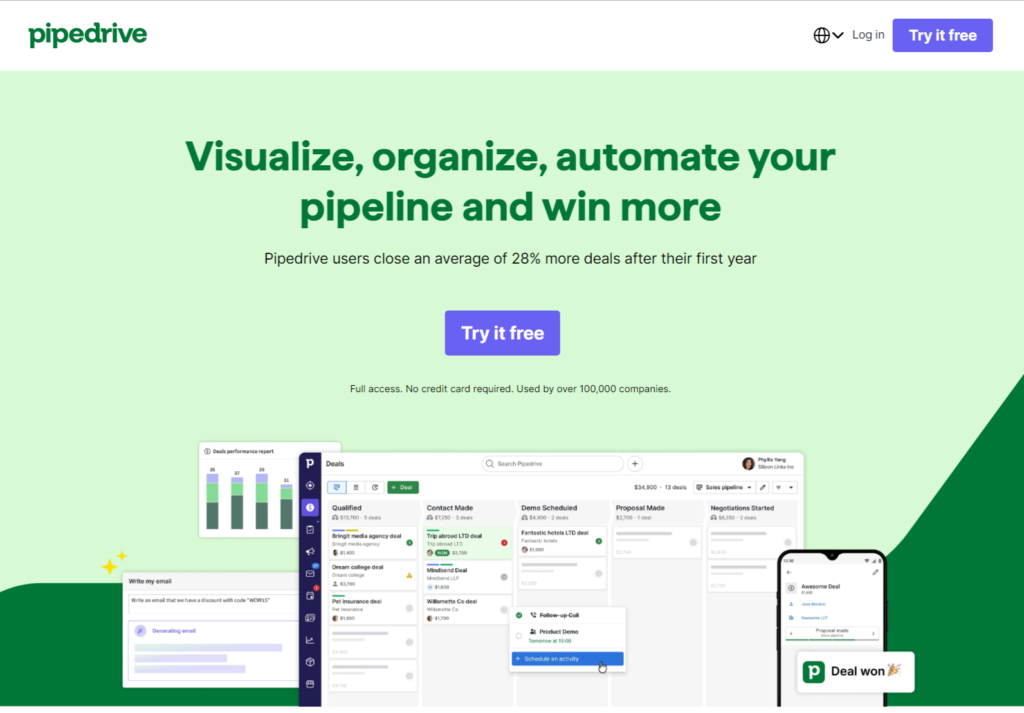
Pipedrive is a CRM that really focuses on making your sales process visual and easy to manage.
If you’re a freelancer who deals with a lot of clients and projects, this could be a good fit.
It’s built around a visual sales pipeline, which basically means you can see all your deals laid out in stages, kind of like a Kanban board.
You just drag and drop deals as they move through your process, from initial contact to closing the deal.
This makes it super clear where everything stands at a glance.
One of the standout features is its simplicity.
It’s not overloaded with features you might never use. Instead, it concentrates on core sales activities.
This includes managing contacts, tracking deals, and logging communications.
For freelancers, this means less time fiddling with software and more time actually doing the work or finding new clients.
Here’s what makes Pipedrive stand out for freelancers:
- Visual Sales Pipeline: See your entire sales process laid out clearly, making it easy to track progress and identify bottlenecks.
- Activity-Based Selling: Pipedrive prompts you to schedule your next actions, like making a call or sending an email, so you never drop the ball.
- Customizable Fields and Stages: Tailor the pipeline and contact records to match your specific freelance business needs.
- Email Integration and Tracking: Connect your email to log communications automatically and get notified when clients open your messages.
- Mobile App: Manage your pipeline and client interactions on the go, which is a lifesaver when you’re out of the office.
Pipedrive also offers a project management add-on called ‘Projects by Pipedrive’ for its Premium and Ultimate plan users.
This can be really helpful for freelancers who need to manage project timelines and deliverables alongside their sales activities, all within the same system.
While Pipedrive doesn’t have a free plan, it does offer a 14-day free trial.
This gives you a good amount of time to test out its features and see if the visual approach works for your freelance workflow.
It’s a solid choice if you want a straightforward, sales-focused CRM that helps you keep track of your clients and close more deals.
ActiveCampaign
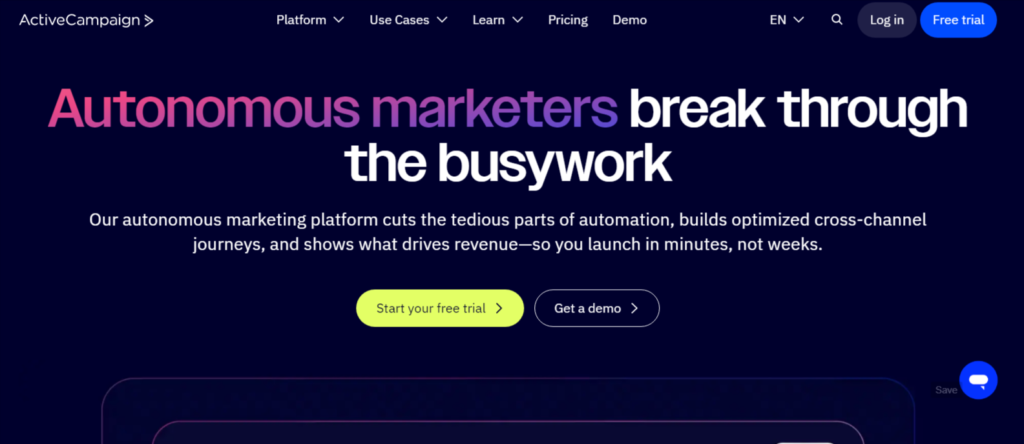
ActiveCampaign is a pretty solid choice if you’re a freelancer looking to automate a lot of your client communication and sales follow-ups.
It’s not just a simple contact list; it really shines when you want to set up automated email sequences or trigger actions based on what a client does, like visiting your website or opening an email.
This means you can nurture leads without having to constantly be there, which is a huge time-saver.
Think of it like this: you can set up a welcome email series for new sign-ups, or a follow-up sequence for people who downloaded a resource from your site.
ActiveCampaign handles sending those out automatically.
It also has a decent CRM built in, so you can track deals and see where clients are in your sales process.
Here’s a quick look at what it offers:
- Marketing Automation: Design complex workflows to engage leads and customers.
- Email Marketing: Create and send professional-looking emails.
- CRM: Manage your contacts, deals, and sales pipeline.
- Site Tracking: See what visitors are doing on your website.
- SMS Marketing: Send text messages to your contacts.
The real power here is the automation. You can set up rules like ‘if a contact clicks this link, add them to this list and send them this email.’ It gets pretty sophisticated, pretty fast.
While ActiveCampaign offers a lot of power, especially with its automation capabilities, it can take a bit of time to get everything set up just right.
You’ll want to dedicate some time to learning how to build your automations and segment your audience effectively.
It’s not quite as simple as just adding contacts and sending a newsletter, but the payoff in saved time and better client engagement is usually worth the effort for freelancers who are serious about growing their business.
Keap
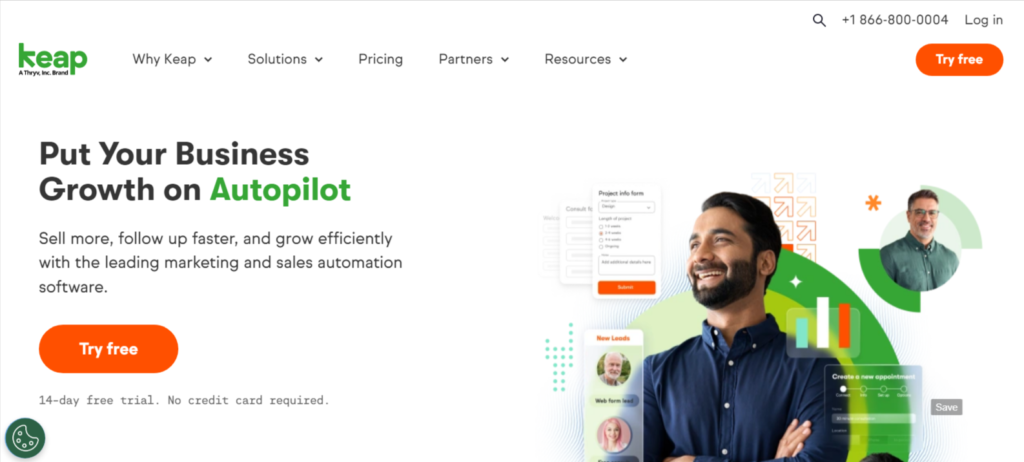
Keap is a CRM and marketing automation tool that’s really built for small businesses and solo entrepreneurs.
Think of it as a way to keep track of your clients and also bring in new ones without pulling your hair out.
It can automate things like sending follow-up emails or texts, so your leads and clients get the right info at the right time.
You can also set up forms for your website or social media to make grabbing new leads easier, and it helps with scheduling appointments and keeping an eye on where leads are in your sales process.
One of the big selling points is how it helps with the money side of things.
Keap can automate quoting, invoicing, and even payment processing.
This is a huge time-saver for freelancers who often have to juggle a lot of administrative tasks.
The company claims users can save around 10 hours a week and see a revenue increase of about 39%.
They offer a 14-day free trial, so you can test it out before committing.
Keap aims to simplify the day-to-day operations for small business owners by combining CRM, email marketing, and invoicing into one package.
The idea is to reduce the time spent on administrative work so you can focus more on client work and business growth.
While Keap is powerful, it’s worth noting that some users find the pricing to be on the higher side compared to other options out there.
Also, getting the hang of all its features might take a little time, especially if you’re not super tech-savvy.
But if you’re looking for a robust system to handle your client relationships and marketing automations, Keap is definitely worth a look.
Here’s a quick look at what Keap offers:
- Automated Follow-ups: Set up emails and texts to go out automatically.
- Lead Capture: Use website and social media forms to gather new leads.
- Appointment Scheduling: Let clients book time with you easily.
- Invoicing & Payments: Streamline the process of getting paid.
- CRM: Keep all your client information in one organized place.
Wrapping It Up
So, finding the right CRM for your freelance gig isn’t a one-size-fits-all deal.
What works wonders for one person might be overkill for another.
We’ve looked at a bunch of options, each with its own strengths, so you can pick the one that actually makes sense for your work and your wallet.
Remember, the best time to start looking is before you’re drowning in client requests and can’t spare a minute.
Most of these tools offer free trials, so go ahead and test a few out.
It’s way better to try them now and make a smart choice later, rather than scrambling when you’re already swamped.
Give them a spin and see which one feels like the best fit for keeping your freelance business running smoothly.
Frequently Asked Questions
What exactly is a CRM, and why should I care about it as a freelancer?
Think of a CRM as your super-organized digital assistant for managing clients.
It’s a system that keeps all your client information, project details, and past conversations in one easy-to-find spot.
For freelancers, this means less time searching for emails and more time doing the work you love, while making sure clients feel well taken care of.
How can a CRM help me get more clients or projects?
A CRM helps you keep track of potential clients, or ‘leads,’ and reminds you to follow up.
It can also help you see which types of clients or projects are most successful for you, so you can focus your efforts there and bring in more of the work you want.
Are CRMs really necessary for someone working alone?
Absolutely! Even if you’re a one-person show, you’re juggling a lot: client communication, project deadlines, invoicing, and finding new work.
A CRM acts like a central command center, making sure nothing falls through the cracks and helping you look more professional to clients.
What if I’m not very tech-savvy? Are CRMs complicated to use?
Many modern CRMs are designed with freelancers in mind, meaning they’re much simpler than you might think.
They often have clear layouts and guides to help you get started.
Plus, most offer free trials, so you can test them out before committing.
How much does a good CRM for a freelancer usually cost?
The good news is there are options for every budget! Many CRMs offer a free version that’s great for starting.
As your business grows, you can upgrade to paid plans, which usually unlock more features like advanced automation or more storage.
Prices can range from free to around $10-$50 per month for most freelancers.
Can a CRM help me get paid faster?
Yes, many CRMs have built-in tools to help with invoicing and tracking payments.
You can create and send invoices directly from the CRM, and some even send automatic reminders for overdue payments.
This keeps your cash flow healthy and saves you the hassle of chasing people down.