

So you’ve got an idea. That light-bulb moment where you think:
“What if I had an app for that?”
Maybe it’s a habit tracker, a community platform, a niche service.
And then the question looms: Can I build an app for free?
You’re not alone; in fact, that’s one of the hottest questions in digital creation right now.
Because, let’s face it: building apps used to mean hiring developers, dealing with mobile SDKs, lots of time, and money.
But today? Things have changed. And “free” doesn’t necessarily mean impossible.
It just means you’ve got to know how to play the game.
In this article, I’ll walk you through everything you need to know:
from what “building an app” actually involves, to which tools let you get started without spending dollars, to the hidden costs you might still face, to how you can actually make this work,
and maybe even monetise your creation.
Let’s dive in.
Can I Build an App for Free?
Before you start, it helps to understand what you’re really getting into. Because “app” can mean many things.
Defining an App
An app could be:
- A mobile app running on iOS and/or Android.
- A web app is something you access in your browser and maybe add to your home screen.
- A hybrid or progressive web app (PWA) is something in between.
What you choose will affect how “free” or “cheap” it can be.
Key Components
Even a simple app has several pieces:
- Frontend: The user interface — what people see.
- Backend: The logic running behind the scenes, like saving data, user authentication, and processing.
- Design: The look and feel — colours, layout, brand.
- Data & Database: Where user inputs, content, etc, are stored.
- Logic & Workflow: What happens when a button is tapped, a form is submitted.
- Testing & Publishing: Making sure it works, deploying to users or app stores.
Even with no-code tools handling a lot of this, you’ll be involved in many of these steps. Understanding them helps you pick the right approach.
The “Free” Myth: What Free Means in App Development
The idea of “free app development” is exciting — but it pays to read the fine print.
Free as in tool usage versus “zero cost”
Many platforms advertise a free plan. That often means you can build and maybe test your app for free — but:
- Publishing to an app store may require a paid licence or a developer account fee.
- Some features may be locked behind paid tiers (e.g., custom domain, white-label branding).
- Usage limits may apply: number of users, storage, and API calls.
- You might still need to pay for hosting or for a backend service.
So yes, you can build an app for free, especially a simple one, but you need to know where the costs can creep in.
Why “free” often still has costs
For example:
- The developer account for App Store on Apple costs around US$99/year.
- For the Google Play Store, there is a one-time fee of US$25 (for individuals).
- Hosting or database services might start free, but charge when you scale.
- If you want to brand the app with your own logo (no “Powered by…”), you might need a paid tier.
- “Free” templates or plugin add-ons may still include ads or branding you don’t want.
The key takeaway: Free tools exist, but free all the way to a fully featured, production-grade app? Less common.
The trick is to minimise costs and know where they lie.
No-Code & Low-Code Platforms: Your Fast Track
If you’re not a developer (or even if you are, but you want speed), no-code and low-code platforms are your friends.
What are No-Code and Low-Code?
- No-Code: Platforms that let you build apps with visual interfaces (drag-and-drop, block logic) without writing code.
- Low-Code: Platforms where you still leverage UI tools but may drop in some scripting or custom code when needed.
These platforms dramatically lower the barrier to entry.
What they can and can’t do
What they can:
- Rapid prototyping.
- Visual building of UI and logic.
- Prebuilt integrations (e.g., database, login, forms).
- Launch simple apps in days or hours.
What they struggle with:
- Highly complex custom logic or very specific UX flows.
- Very deep performance optimisation or custom native plugins (in some cases).
- Sometimes “free” plans limit critical features.
In other words, if your app idea is fairly standard (listings, booking, forms, basic user flow), you’re probably good.
If you’re building a 3D game with custom AR, maybe less so, or you’ll need to upgrade eventually.
Best Free (or Freemium) Tools to Build an App in 2025
Here are some platforms worth checking out, especially if you want to start without spending big.
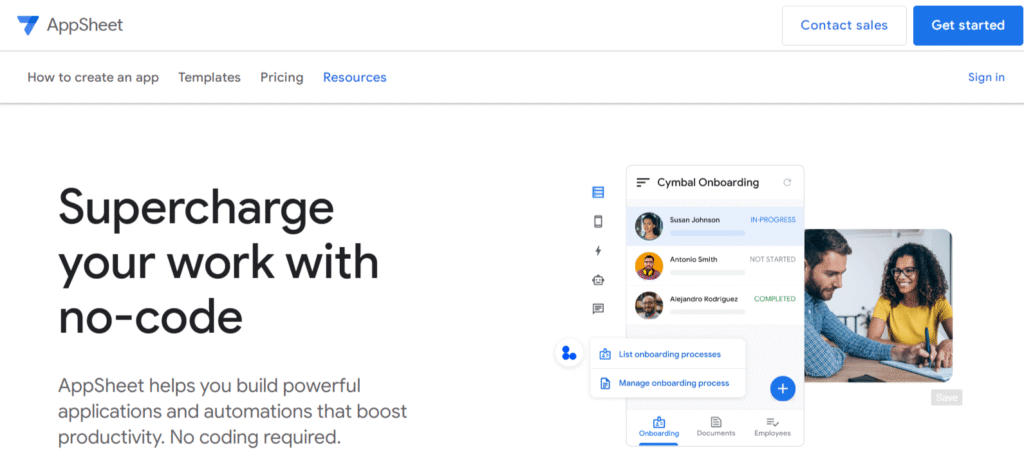
- Google AppSheet: Lets you connect spreadsheets (Google Sheets, Excel) or other data sources and generate apps automatically. iubenda+1
- Adalo: A no-code mobile app builder with a free tier and a good reputation for UI design freedom. Adalo
- Apphive: Drag-and-drop builder allowing free creation of apps (including native Android/iOS) in many templates. apphive.io
- Jotform Apps: Lets you build simple apps from forms and widgets, fully free tier available. Jotform
- Many others are listed in comparative reviews — for instance, Glide, Bubble — as part of the best free mobile app builder round-ups. Zapier+1
When you pick one, focus on the free plan’s limitations (users, features, publishing) so you know ahead of time.
Step-by-Step: How to Build an App Without Spending a Dime
Here’s a practical workflow you can follow to build your app with the goal of “free” or minimal cost.
Step 1: Define your idea
- What problem are you solving?
- Who is your audience?
- What’s the core functionality? (Make it small to start).
- What platform(s)? Mobile Android, iOS, web, or all?
Step 2: Choose the right tool
Based on your idea, pick a no-code tool whose free tier matches:
- If data-driven and simple: AppSheet or Glide.
- If mobile app visuals: Adalo or Apphive.
- If you already have a website: WordPress plugin path (see next section).
Step 3: Design your app visually
- Use the drag-and-drop interface.
- Pick colours, fonts, and brand identity. (If you’re the user, apply your brand.)
- Keep UI simple: too many features dilute the experience.
Step 4: Add logic and data
- Connect your data sources: spreadsheet, internal table, etc.
- Define workflows: “When user submits form → send email + show confirmation”.
- Add navigation: screens, menus, buttons.
Step 5: Test your app
- Use preview modes (most platforms have a preview link or QR).
- Test on real devices (mobile, tablet) to see UI and responsiveness.
- Get feedback from friends or users. Fix issues.
Step 6: Publish or share
- For web apps/PWAs: you can often publish for free under a domain or subdomain.
- For mobile store publish: check costs and requirements.
- Launch with minimal features (MVP), and you can iterate later.
Step 7: Monitor and iterate
- Track usage, gather feedback.
- Improve UI, fix bugs, and add the next feature.
- Keep costs low by staying within free tiers until you’re ready to scale.
Using Your Existing Website (e.g., WordPress) to Create an App
If you already have a website (especially built on WordPress), you’re in luck; you can take advantage of that as your base for an “app”.
Why is this path attractive?
- You already own content, brand, and users.
- Many plugins convert or wrap a WordPress site into a mobile-friendly app or PWA.
- Lower overhead: less need to build backend from scratch.
How to do it
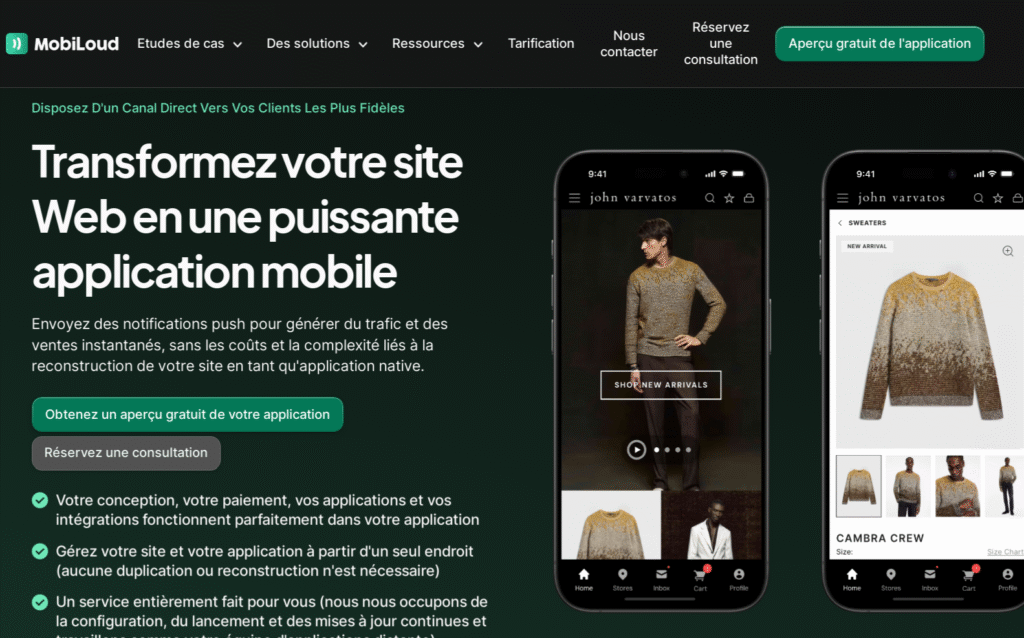
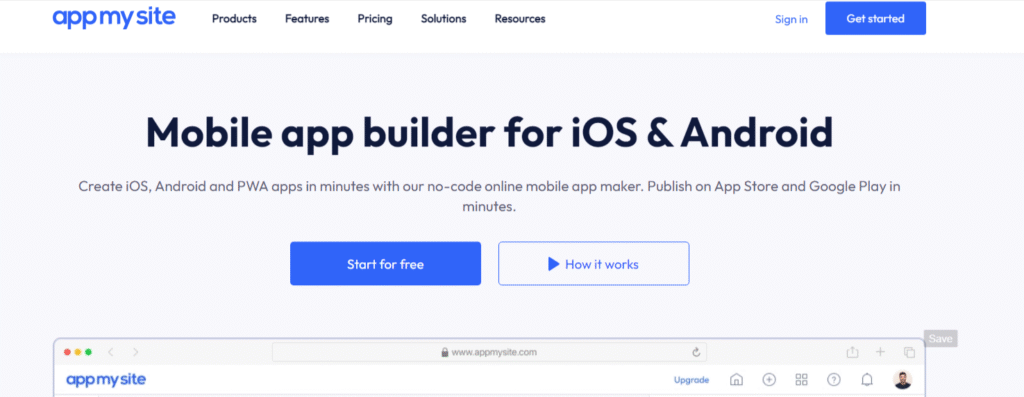
- Use a plugin like AppMySite, MobiLoud, Androapp, or others designed to create mobile versions of your site.
- Ensure your site is mobile responsive (so the “app” feels seamless).
- Add app-style features: push notifications, offline caching, simple navigation.
- If needed: wrap the site into a native shell via free tools or wrappers.
Downsides / Caveats
- The website’s structure somewhat limits you: a very complex native experience might be harder.
- Store publishing might still require developer accounts/fees.
- Offline or native features may be limited unless you upgrade plugin tiers.
All in all, for many creators (like you, who are already working in WordPress), this is one of the most cost-efficient paths to “having an app”.
AI-Powered App Creation: The New Frontier
Here’s where things get exciting: you don’t even need to drag every block or choose every logic step — AI can help.
What’s happening
Platforms and tools are emerging that let you describe your app idea in natural language, and the tool builds large parts of the logic or UI for you.
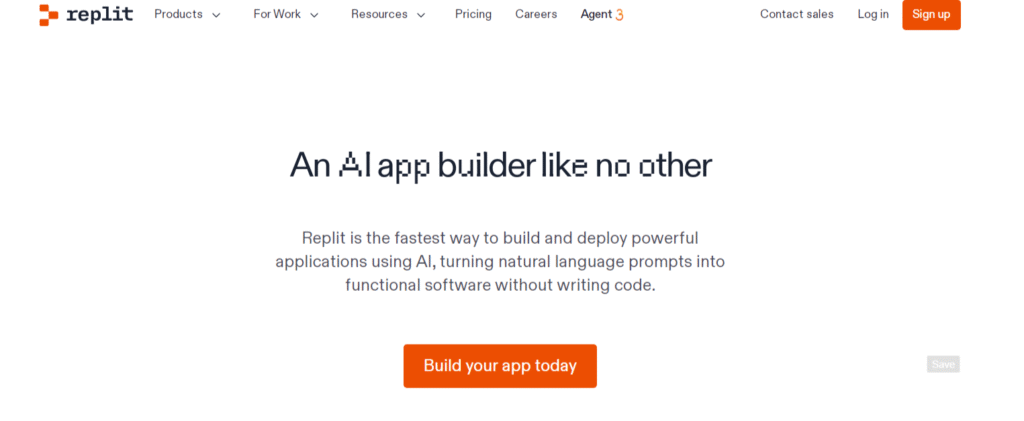
For example, Replit claims to let users build and deploy apps using AI prompts. Replit+1
Why this matters for “free” builders
- Speeds up development time dramatically.
- Reduces technical barriers even further.
- Allows non-technical creators to experiment with ideas quickly.
Things to watch out for
- AI-generated logic still needs testing.
- The “free” part may still come with usage limits.
- You’ll need to monitor data/privacy/security just like with any app.
In short: If you’re ambitious, AI tools are a powerful next step after you’ve mastered basic no-code workflows.
Publishing Your App: Free vs Costed Options
You built the app, now how do you get it to users?
Progressive Web Apps (PWA) / Web Apps
- Often, the most cost-effective way.
- Users can visit a URL, add it to their home screen, and use offline features (depending on their capability).
- No app-store fees in many cases.
- Works across devices.
Native Mobile App (iOS / Android)
- Requires packaging for each platform.
- Publishing to app stores:
- Google Play: a one-time registration fee (~US$25).
- Apple App Store: annual developer fee (~US$99).
- Once published, you’re subject to store rules, updates, etc.
Hybrid Approach
- Start with a web/PWA for free or at a very low cost.
- If your app gains traction, upgrade to native publishing with store listing.
Free does not always mean completely free
Even if you built the app for “free”, publishing or supporting it at scale may incur costs (hosting, updates, store fees, user acquisition). Plan.
Monetising a Free-Built App: Turning It into Revenue
You may have built an app with no budget – now you might want to make money from it. Good news: you can.
Monetisation paths
- In-app advertising: Display ads via Google AdMob or other networks.
- Freemium / Premium upgrade: Basic version is free, advanced features are paid.
- In-app purchases: For consumables or subscriptions.
- Affiliate links/partnerships: If your app recommends products or services.
- Sponsored content / branded partnerships: If you have a niche audience.
What to watch
- Ensure monetisation doesn’t degrade user experience.
- Free tiers often have smaller user counts; you’ll need sufficient volume for revenue.
- Store policies (Apple/Google) may have rules around ads or purchases.
If you built the app for free, monetising it can help pay for maintenance, upgrades, or migrating to paid tiers later.
Hidden Costs of “Free” App Development
While your dev costs may be zero, several unseen costs can creep up.
Hosting and backend
- Free tiers may limit data, users, and API calls.
- If you gain traction, you may need to upgrade hosting, database, and CDN.
- Example: A no-code builder might include hosting in a free tier up to a certain number of users; beyond that, pay.
App store publishing fees and accounts
- As mentioned: Apple $99/year, Google ~US$25 one-time.
- Additional fees: Some platforms charge for publishing support.
Custom branding or features
- White-label (remove “Made with X”) may require a paid tier.
- Custom domain, advanced analytics, and advanced integrations might cost.
Maintenance & updates
- Bugs, OS updates, user feedback — even a “free” app needs upkeep.
- Time becomes cost — your time or someone else’s.
Marketing & user acquisition
- Building the app is half the battle; getting users is the other.
- You may need to spend to promote or optimise for visibility.
Plan for these costs so your “free build” remains viable.
Tips for Keeping Your App Truly Low or No-Cost
Here are actionable strategies to stay lean:
- Start with an MVP (minimal viable product) – only essential features.
- Use tools with generous free tiers.
- Leverage existing content/website (especially if you have WordPress).
- Choose PWA or web app first to avoid store costs.
- Avoid “nice-to-have” features that cost extra until you have users.
- Use analytics and monitoring to avoid waste.
- Keep branding & UI clean but simple — don’t over-engineer.
- Reuse templates and plugins instead of building custom from scratch.
- Monitor when you’re hitting free-tier limits and pre-plan upgrades.
By staying smart, you can hit the “free” threshold and keep your costs minimal until you’re ready to scale.
Common Mistakes & Pitfalls When Building Free Apps
Even with the best tools, many creators fall into the same traps.
- Trying to build too much too soon: Feature-bloat kills early progress and can hit cost barriers.
- Ignoring user experience (UX): A free app with poor usability won’t retain users.
- Neglecting testing on real devices: What works in a preview may stutter on real phones.
- Failing to plan for growth: Free tiers are fine early; once you scale, a lack of planning hits.
- Forgetting maintenance: Even “free” apps need updates.
- Not thinking of monetisation or user acquisition early: Building is only half the battle.
Work smart, test early, iterate often, that’s the key.
Case Study: Real Example of Someone Who Built an App for Free
Let’s walk through a simple example to illustrate.
Sarah runs a small photography studio. She wanted a booking and portfolio app for her clients. Budget: zero. She did the following:
- Defined idea: Clients check portfolio, pick a package, book a session.
- Choose a no-code builder: She used a free tier of Adalo.
- Designed UI: Drag-and-drop templates, added her branding.
- Connected data: Used Google Sheets as a backend (free).
- Tested: Shared preview link with family/friends for feedback.
- Launched as PWA: No store fees.
- Monetised: Added “Book Now” form, linked to payment portal (free plan).
- Kept costs zero by staying within free tiers, dropping extra features until traction.
Result? Within a few weeks, she had a working “app” for her business clients, downloaded the link, booked sessions, and costs = $0.
This kind of story shows it’s real, doable if you keep expectations in check and play smart.
Conclusion
Yes, you can build an app for free.
Really. Thanks to the tools and ecosystems of 2025, creating an app no longer requires huge budgets or deep coding knowledge.
If you’re willing to start small, choose the right platform, and remain mindful of hidden costs, you can turn your idea into a functioning app without hurting your wallet.
But, and this is important, “free” doesn’t mean “no work,” and it doesn’t mean “no cost at all.” Time, focus, user experience, and strategic planning still matter.
What you’ll want to do is build an MVP, test it, learn from your users, keep costs minimal until you’re confident, then scale.
If you’re ready to take that idea from brain-wave to app store link, the path is clearer than ever. So pick your tool, sketch your flows, and get started.
FAQs
1. Can I really build a mobile app with zero cost?
Yes, for many simple use-cases, you can build and launch an app using no-code tools and free tiers.
But expect limitations on features, branding, or publishing to native stores.
2. Do I need to code at all?
Not necessarily. With no-code and AI-powered tools, you can build apps with little or no programming knowledge.
That said, understanding logic and structure helps a lot.
3. If I build it for free, can I publish it on the Apple App Store or Google Play?
Yes, you can publish.
But you’ll probably incur store‐related fees (e.g., Apple developer account) or need to upgrade your tool for native packaging.
4. What happens when I hit free-tier limits?
When you exceed user counts, storage, or other quotas, the platform may require you to upgrade to a paid plan.
That’s when you’ll want to evaluate whether your app justifies the cost.
5. How can I make money from an app I built for free?
You can monetise your app via ads, freemium models, in-app purchases, subscriptions, affiliate links, or sponsorships.
The fact that your development cost was minimal makes your revenue threshold lower
