
Running your own freelance business means you’re the boss, the salesperson, the accountant, and pretty much everything else.
It’s a lot to keep track of, right?
You have clients to manage, projects to complete, and deadlines to meet.
Without a good system, things can get chaotic fast.
This is where a simple CRM, or Customer Relationship Management tool, can be a real game-changer.
It might sound fancy, but for solo freelancers, it’s really about finding a straightforward way to keep your client info organized and your business running smoothly.
Let’s determine what is The Simplest CRM for a Solo Freelancer is and why it’s worth considering.
Key Takeaways
- For solo freelancers, a CRM should prioritize ease of use and quick setup over complex features. The goal is to support your workflow, not add to it.
- Look for core functionalities like contact management, task tracking, and clear communication logs. Avoid systems with overwhelming options you won’t use.
- Many affordable or even free CRM options exist. Focus on the value they provide in saving time and improving professionalism, rather than just the price tag.
- A CRM is most effective when it becomes a daily habit. Integrate it into your routine for tasks like logging notes and checking upcoming deadlines.
- Consider CRMs like Capsule CRM, HubSpot CRM, Freshsales, HoneyBook, Bonsai, Zoho CRM, Pipedrive, and Insightly, each offering different strengths for solo professionals looking for simplicity or specific features.
Understanding The Need For A Simple CRM
Why Simplicity Matters For Freelancers
Look, being a solo freelancer means you’re basically running a one-person show.
You’re the sales rep, the marketing department, the accountant, and sometimes even the IT support.
It’s a lot.
When you’re trying to keep track of clients, projects, and payments, adding a complicated tool to the mix can feel like just another burden.
That’s why simplicity is key.
You don’t have time to learn a system that takes hours to set up or navigate.
You need something that just works, fitting into your day without a fuss.
A straightforward interface, easy contact management, and clear task reminders are what make a system feel like a helpful assistant, not another chore.
Common Pain Points A Simple CRM Can Solve
Many freelancers start out using spreadsheets, notebooks, or just their overflowing email inbox to manage client info.
It works for a bit, but as your business grows, things get lost.
Important details about a client might be buried in an old email thread, or you might forget to follow up on a proposal.
A simple CRM acts like a central hub for all this information. It helps you:
- Keep track of every client interaction: No more digging through emails to remember what you discussed last week.
- Never miss a follow-up: Get reminders for calls, emails, or project deadlines.
- See where things stand: Get a clear overview of all your current projects and client statuses.
This kind of organization doesn’t just make your life easier; it makes you look more professional and reliable to your clients.
It means less time spent on administrative tasks and more time actually doing the work you get paid for.
Building Professionalism Through Organization
Think about it: when a client asks for information, and you can pull it up instantly with all the details readily available, it makes a great impression.
It shows you’re on top of things.
A well-organized system, even a simple one, helps build that trust.
It means fewer mistakes, better communication, and ultimately, happier clients who are more likely to return or refer you to others.
A CRM, at its core, is about managing relationships.
For a solo freelancer, this means having a reliable system to remember who your clients are, what they need, and when they need it, all without adding extra stress to your already busy schedule.
When your client management is smooth and professional, it frees up your mental energy to focus on creative work and client satisfaction, which is what freelancing is all about.
Key Features Of A Freelancer-Friendly CRM
When you’re a solo operation, the last thing you need is a complicated piece of software that takes more time to learn than it saves.
A good CRM for a freelancer should feel like a helpful assistant, not another boss.
It needs to be straightforward, get the job done, and not cost a fortune.
Let’s break down what really matters.
Ease of Use and Quick Setup
This is probably the most important part.
If you can’t figure out how to add a contact or log a call within the first 15 minutes, it’s probably not the right tool.
You’re not an IT department; you’re a freelancer trying to get work done.
A system that requires a week of training or complex configuration is just going to sit there, unused.
The best CRMs for solo pros are intuitive, with clear menus and simple workflows.
Think about it:
You want to spend your time on client work, not wrestling with software.
A quick setup means you can start organizing your contacts and projects almost immediately, which is a huge win when you’re busy.
Core Features For Solo Operations
As a solo freelancer, you don’t need every bell and whistle a giant corporation might want.
What you do need are the basics, done well.
This usually includes:
- Contact Management: A central place to store all your client details – names, emails, phone numbers, company info, and any specific notes about them.
- Task and Activity Tracking: The ability to log calls, emails, meetings, and set reminders for follow-ups. This stops things from falling through the cracks.
- Deal or Project Tracking: A way to see where each potential client or ongoing project stands. This could be a simple list or a visual pipeline.
- Basic Reporting: Just enough to see who your best clients are or what types of projects are most common. Nothing too fancy, just helpful insights.
You’re looking for a system that handles the essential communication and organization tasks without adding unnecessary complexity.
It should support your existing workflow, not force you to create a new one.
Flexibility and Accessibility
Your work life isn’t always at a desk.
You might be meeting clients, working from a coffee shop, or even on the go.
That’s why a CRM that’s accessible from anywhere is a big deal.
This means having a good mobile app or a web-based system that works well on any device. Flexibility also means the CRM can grow with you.
While you might start with just contact management, you might later want to add invoicing or project management features.
A good system won’t tie you down or make it impossible to adapt as your freelance business evolves.
Balancing Cost And Value In CRM Solutions
Affordable Options For Solo Professionals
Look, as a solo freelancer, your budget is probably tighter than a drum.
You’re not running a Fortune 500 company, so those fancy, expensive CRM systems are just out of reach. The good news?
There are plenty of CRMs out there that won’t break the bank.
Many offer free plans that are surprisingly capable for someone just starting or working alone.
If you do need to pay, you’ll often find affordable monthly subscriptions.
The key is to find something that fits your wallet and your needs.
Don’t get swayed by a low price if it doesn’t actually help you get organized.
The Return On Investment Of A CRM
So, you’re thinking, “Is this CRM thing really worth the money, even if it’s cheap?”
The answer is usually a big yes, but it’s not just about the dollars you spend. The real value comes from what the CRM does for you.
Think about the time you save by not digging through emails or sticky notes to find a client’s phone number.
Consider the mistakes you avoid by having all project details in one place.
A good CRM helps you look more professional, which can lead to happier clients and more repeat business.
It’s about working smarter, not harder. Even a small investment can pay for itself quickly if it smooths out your daily operations and stops you from dropping the ball.
Leveraging Free Plans Effectively
Free CRM plans can be a fantastic starting point for solo freelancers.
They often include the basics you need, like contact management and task tracking.
But here’s the catch: you need to know what’s included and what’s not.
Some free plans have limits on the number of contacts you can store or the features you can use.
It’s important to check the details before you commit.
Here’s a quick rundown of what to look for in a free plan:
- Contact Management: Can you add and organize all your clients?
- Task Tracking: Does it help you remember follow-ups and deadlines?
- Basic Reporting: Does it give you a simple overview of your activity?
- Limitations: Are there caps on contacts, storage, or features that will hinder you soon?
The goal with a free plan is to get comfortable with the system and see how it fits into your routine. If you outgrow it, you’ll have a much clearer idea of what you need in a paid version.
It’s a low-risk way to start building better business habits.
Don’t be afraid to try out a few different free options. What works for one freelancer might not work for another.
The best free plan is the one you’ll actually use consistently.
Developing Effective CRM Habits
So you’ve picked out a CRM that feels right – not too complicated, not too basic.
That’s a great start. But honestly, a CRM is just a tool.
It’s like having a fancy toolbox; it doesn’t do much good if you just let it sit in the corner.
To really get the most out of it, you’ve got to build some habits around using it.
It’s not about having the most powerful software; it’s about using what you have consistently.
Daily Workflow Integration
Think of your CRM as the central hub for your client interactions.
Instead of scattering notes across emails, notebooks, and random apps, make your CRM the go-to place.
Start your day by checking your CRM for any urgent tasks or follow-ups.
This simple step helps you hit the ground running and avoids that “what was I supposed to do today?” feeling.
It’s about making the CRM a natural part of your routine, not an extra chore.
Consistent Data Entry
This is where the magic really happens, or doesn’t, if you’re not careful. Every time you talk to a client, send an invoice, or have a meeting, get that information into your CRM.
Don’t wait until the end of the week.
The sooner you log details, the fresher they are in your mind, and the more accurate your records will be.
This consistent input is what makes your CRM a reliable source of truth for your business.
It helps you avoid lost information and keeps your client relationships strong.
The key to making any CRM work for you, especially as a solo operator, is to treat it as your business’s memory. If you don’t put information in, it won’t be there when you need it. Simple as that.
Maximizing CRM Benefits
Building these habits takes a little effort up front, but the payoff is huge.
You’ll spend less time searching for information and more time doing the work clients pay you for. It also makes you look more professional.
When you can quickly recall details about a client or project, it shows you’re organized and reliable.
Over time, this consistency can lead to better client satisfaction and smoother project execution.
It’s a solid way to organize and prioritize leads and keep your business moving forward without feeling overwhelmed.
Here’s a quick rundown of habits to build:
- Morning Check-in: Start your day by reviewing your CRM dashboard for tasks and appointments.
- Log It Immediately: After every client interaction, update their record with notes and next steps.
- Centralize Everything: Use your CRM for all client contact information, project details, and communication logs.
- Regular Review: Once a week, take a few minutes to review your pipeline and upcoming tasks.
Exploring Top CRM Choices For Solo Freelancers
So, you’re a solo freelancer, and the idea of a CRM sounds good, but maybe a little… much?
I get it. You don’t need a system that requires a manual thicker than your favorite novel.
The good news is that there are some really solid options out there that are built with people like us in mind.
They focus on getting the job done without making you feel like you need a degree in computer science.
Capsule CRM: Intuitive Client Management
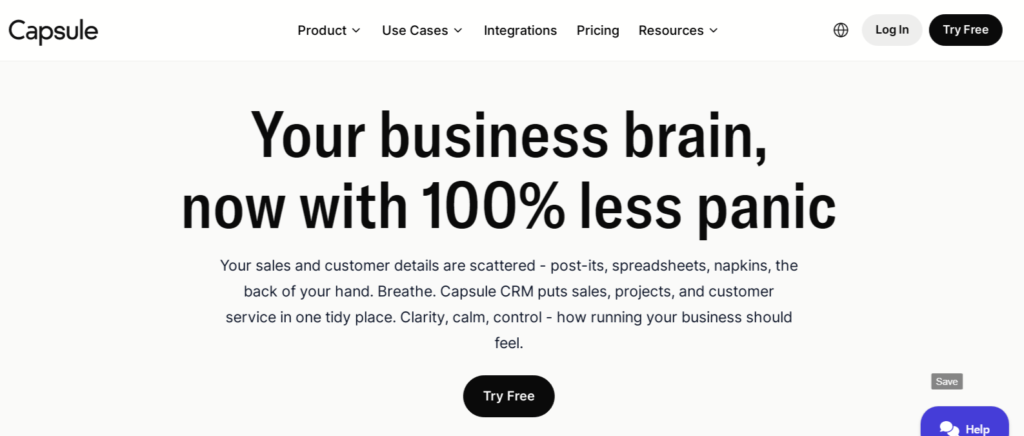
Capsule CRM is often mentioned when people ask for the simplest CRM, and for good reason.
It’s designed to be straightforward. You can get your contacts in, track your projects, and see what needs doing without a lot of fuss.
It feels like it’s built to just work.
- Easy to learn and use: You won’t spend days figuring it out. Most users can get going in under an hour.
- Clear overview: See all your client interactions, notes, and upcoming tasks in one place.
- Affordable: They have a free plan that’s pretty generous for solo users, and paid plans are reasonably priced if you need more.
Capsule aims to be the quiet assistant that keeps your business running smoothly in the background. It’s there when you need it, but it doesn’t get in your way.
HubSpot CRM: A Powerful Free Option
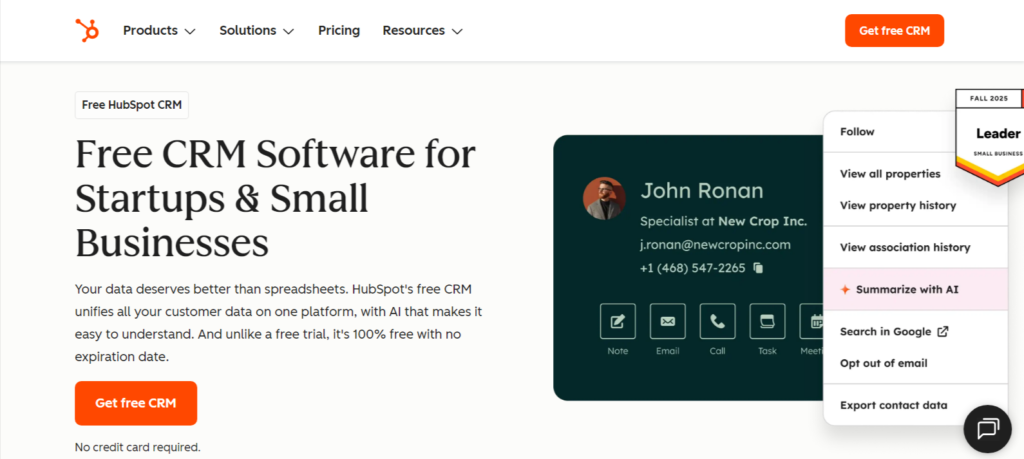
HubSpot CRM is a powerhouse, and the best part is that it has a free version that’s incredibly capable for solo freelancers.
If you’re looking for something that can grow with you, this is a strong contender.
It might have more features than you need right now, but they’re organized well, so it doesn’t feel overwhelming.
- Robust free plan: Includes contact management, deal tracking, email tracking, and more.
- Scalable: As your business grows, you can add more advanced features.
- Integrations: Connects with numerous other tools you may already be using.
It’s a bit more feature-rich than Capsule, so there’s a slightly steeper learning curve, but the sheer power you get for free is hard to beat.
It’s great for managing leads and keeping track of potential projects.
Freshsales: AI-Powered Lead Prioritization
Freshsales, part of the Freshworks suite, brings a bit of AI smarts to the table.
For a solo freelancer, this can mean getting help identifying which leads are most likely to turn into paying clients.
It helps you focus your limited time and energy where it’s most likely to pay off.
- AI-driven insights: Helps you understand lead behavior and prioritize follow-ups.
- Built-in phone and email: Communicate directly from the CRM.
- Visual sales pipeline: See exactly where each deal is in your process.
While it might have a bit more of a sales focus, its ability to help you sort through potential clients and manage your outreach makes it a compelling choice for freelancers who are constantly looking for new opportunities.
All-In-One Platforms For Creative Freelancers

HoneyBook: Clientflow For Creatives
For creative freelancers, especially those in the US, keeping track of everything can feel like juggling flaming torches.
HoneyBook steps in as a real game-changer. It’s not just a CRM;
It’s designed to manage your entire client workflow from the first hello to the final payment.
Think of it as your virtual studio assistant.
It helps you send out professional-looking proposals, contracts, and invoices super fast, all branded with your own look.
Plus, it handles payments directly, so you don’t have to chase anyone down.
It even has a project tracking board to keep all your tasks, deadlines, and files in one spot.
This means you spend less time on admin and more time actually creating.
- Key Features:
- Branded proposals and contracts
- Integrated payment processing
- Project management dashboard
- Automated email follow-ups
Bonsai: Streamlining Paperwork And Projects
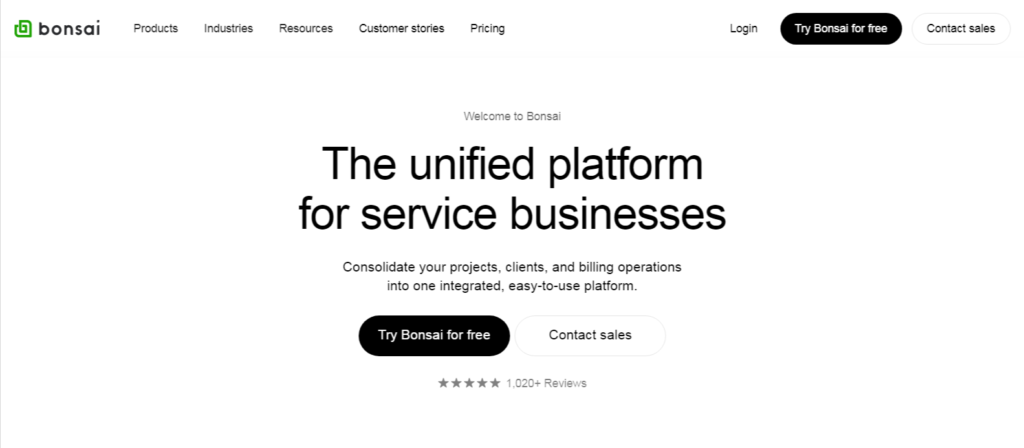
Bonsai is another platform that really gets what freelancers need, particularly when it comes to the less fun stuff like contracts and invoices.
It aims to make all that paperwork feel less like a chore and more like a simple step in the process.
You get pre-made contract templates that you can tweak, and it helps you track your time, manage projects, and send out bills automatically.
It’s built with a clean interface, which makes it easy to use even when you’re swamped with client work.
Bonsai helps you keep your business running smoothly without getting bogged down in administrative tasks.
- What it offers:
- Contract templates
- Time tracking
- Automated invoicing and tax reports
- Proposal builder
Zoho CRM: Scalable Solutions For Growth
Zoho CRM is a bit more of a powerhouse, and it’s a solid choice if you’re a freelancer who sees your business growing.
It’s known for being pretty affordable, even with its advanced features.
Zoho goes beyond just keeping client details; it helps manage your whole sales process.
This is super useful if you have clients who come back often or if you get a lot of work through referrals. You can automate tasks, track emails, and get reports on how things are going.
It also plays nicely with other Zoho apps, so if you start using their accounting or email tools, everything connects up.
For freelancers who are starting to think about scaling up, maybe even hiring a helper or two down the line, Zoho provides a way to get more advanced tools without having to switch systems later on. It grows with you.
- Zoho CRM benefits:
- Lead and email management
- Workflow automation
- Built-in analytics
- Integration with other Zoho apps
Pipeline Focused CRMs For Deal Clarity
Sometimes, just keeping track of who you’re talking to isn’t enough.
You need to see how far along each potential client is in the process of becoming a paying customer. That’s where pipeline-focused CRMs come in.
They give you a visual way to manage your deals, so you always know what’s next.
Pipedrive: Visualizing Your Sales Pipeline
Pipedrive is built around the idea of a sales pipeline.
Think of it like a visual flowchart for your deals.
You can see each lead or opportunity as a card, and you drag and drop it from one stage to the next as things progress. It’s really straightforward.
- Drag-and-drop interface: Makes moving deals between stages super easy.
- Activity tracking: Helps you remember to follow up or schedule the next step.
- Customizable stages: You can set up the pipeline to match exactly how you do business.
- Email integration: Keeps your communications linked to the right deals.
This kind of system is great because it stops things from slipping through the cracks. You can quickly see where you need to put your energy.
For a solo freelancer, seeing your entire deal flow laid out visually can be a huge relief.
It takes the guesswork out of managing potential income and helps you focus on closing those deals.
Insightly: Bridging CRM and Project Management
Insightly is a bit different because it tries to combine CRM with project management.
This can be really handy if your freelance work often involves longer projects with multiple steps.
Instead of using one tool for client info and another for project tasks, Insightly tries to keep it all together.
- Lead and opportunity tracking: Standard CRM stuff, but integrated.
- Project management tools: Let you manage tasks, milestones, and deadlines within the same system.
- Integrations: Connects with common tools like Gmail and Outlook.
- Automation options: Can help with repetitive tasks.
If you’re the type of freelancer who juggles multiple projects for the same clients, or if your projects have distinct phases,
Insightly might make your life a lot simpler by keeping client communication and project delivery in one spot.
Wrapping It Up
Look, running your own show means you’re doing a bit of everything.
Trying to keep track of clients, projects, and payments in your head or on a bunch of sticky notes just doesn’t cut it as you get busier.
Finding a simple CRM isn’t about adding another complicated piece of software to your plate.
It’s about finding a tool that actually makes your life easier, keeps things organized, and helps you look good to your clients.
The right one will feel natural to use, keep all your important client info in one spot, and remind you what needs doing next.
Don’t overthink it – pick something straightforward that fits your budget and workflow, and just start using it.
It’s a small step that can make a big difference in keeping your freelance business running smoothly.
Frequently Asked Questions
What’s the easiest CRM for someone working alone?
For freelancers flying solo, the simplest CRM feels natural to use right away. Think of tools like Capsule CRM.
It helps you keep track of everyone you work with and what projects are up next without making things complicated.
It’s like having a helpful assistant who just quietly gets things done in the background.
Which CRM is best for creative freelancers?
Creative freelancers often need more than just contact info. Tools like HoneyBook or Bonsai are great because they handle everything from sending out cool proposals and contracts to getting paid.
They help make your whole client process look super professional and organized, which is perfect for artists, designers, and writers.
Can a CRM help me send out bills and get paid?
Absolutely! Many CRMs designed for freelancers, like HoneyBook or Bonsai, have built-in ways to create and send invoices.
Some even let clients pay you right through the system. This makes getting paid much smoother and keeps your finances organized right alongside your client work.
Is there a CRM that’s totally free and good for beginners?
Yes, there are! HubSpot CRM offers a really powerful free version that’s great for starting. It lets you manage contacts and track your client interactions without costing anything.
It’s a solid choice if you want to get organized without spending money up front.
Do I really need a CRM if I’m just one person?
Even as a solo freelancer, you’re juggling a lot! A CRM helps keep all your client details, project notes, and follow-up tasks in one place.
This means fewer missed opportunities, less forgotten information, and a more professional image for your clients. It helps you stay on top of your business so you can focus on the work.
Which CRM is easiest for tracking deals and projects?
If you like seeing where everything stands visually, CRMs like Pipedrive are fantastic. They use a ‘pipeline’ view, like a board, where you can move clients from one stage to the next.
This makes it super clear what needs to happen next with each potential or current client, keeping your sales process organized.